19
Menu Adjustment
Sony KV-HW21N63 Group A12 (GB)_4-094-461-11 (1)
x Changing the “Channel Setup”
setting
The “Channel Setup” menu allows you to quickly access favorite channels,
receive cable TV programs, preset channels automatically, skip unwanted
channels or add new ones and label the channel number.
1
Press MENU.
2
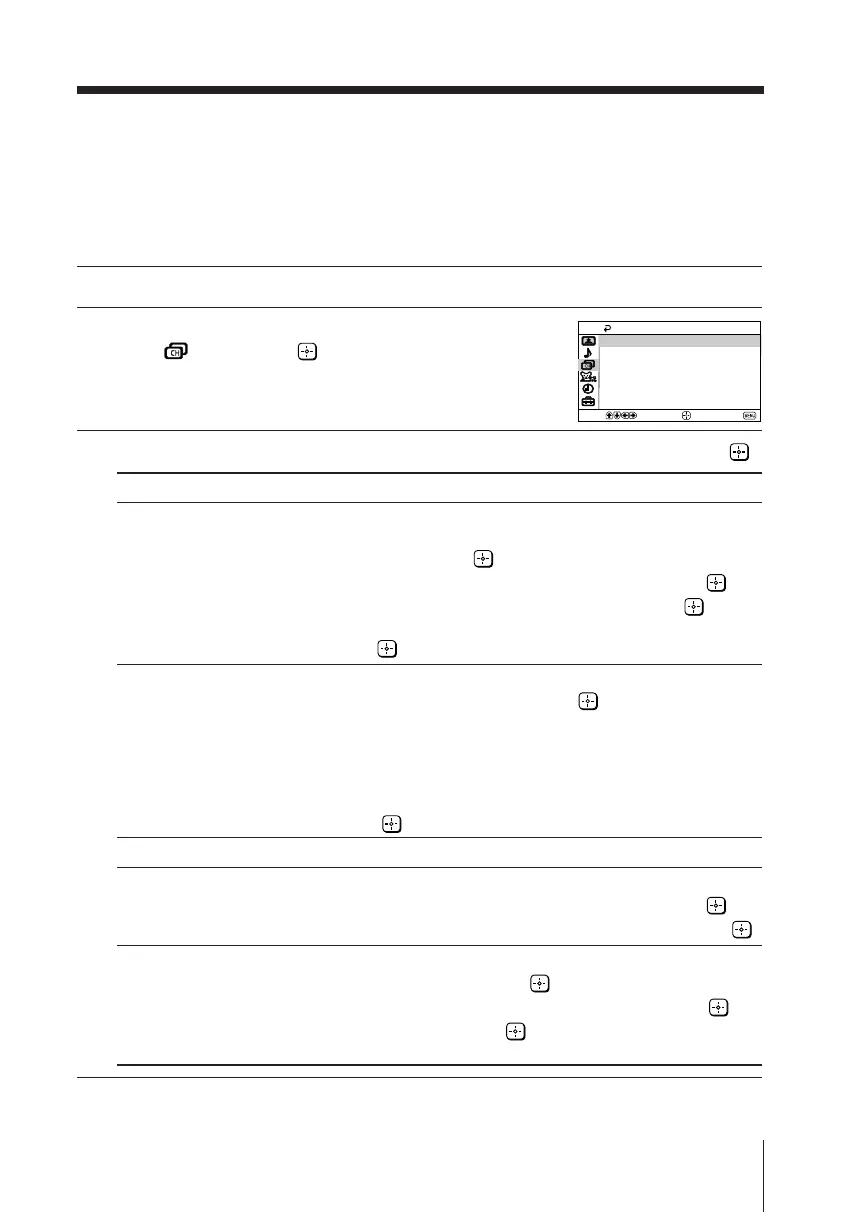
Press V or v to select the “Channel Setup”
icon ( ), then press .
3
Press V or v to select the desired item (e.g., “Favorite Channels”), then press .
Select To
“Favorite Channels” quickly access favorite channels.
(1) Press V or v to select the position you want to set a favorite
channel, then press .
(2) Press V or v to select the desired channel, then press .
To use “Favorite Channels”: Exit all menus and press .
Press V or v to move the cursor to the desired channel number
and press .
“Cable” receive cable TV programs.
Press V or v to select “On”, then press .
If you select “Cable: On”, you will be able to receive 125 cable
TV channels.
If there are no cable TV channels, you will receive VHF
broadcast channels only.
To receive only VHF and UHF broadcast channels, select “Off”,
then press .
“Auto Program” preset channels automatically.
“Channel Skip/Add” skip unwanted channels or add new ones.
(1) Press V or v to select the desired channel, then press .
(2) Press V or v to select either “Skip” or “Add”, then press .
“Channel Label” label the channel number.
(1) Select “Channel” and press .
Press V or v to select the channel number, then press .
(2)
Select “Label” and press , then press V or v to select
alphanumeric characters for the label.
Note
• You can skip over channels that have been skipped by pressing CH +/–. You can still use the
0-9 buttons to directly tune to skipped channels.
Auto Program
Channel Skip/Add
Channel Label
On
Cable:
Favorite Channels
Channel Setup
Select
End
Move
01GB06ADJ-PHI.p65 29/08/03, 3:34 PM19






 To Next Page