22 Menu Adjustment
Sony KV-HW21N63 Group A12 (GB)_4-094-461-11 (1)
x C
hanging the “Setup” setting
The “Setup” menu allows you to change the menu language, change the picture
size, select the closed caption mode and label the connected equipment.
1
Press MENU.
2
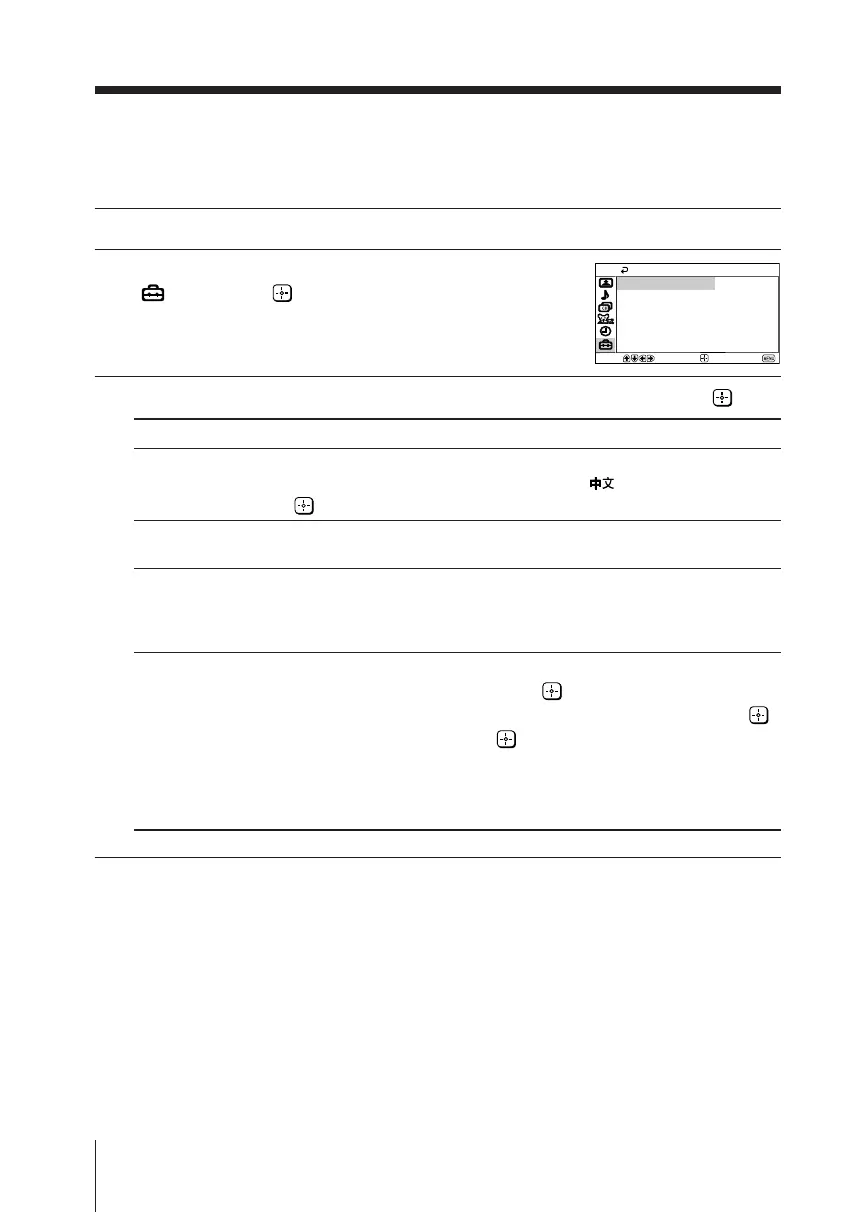
Press V or v to select the “Setup” icon
( ), then press .
3
Press V or v to select the desired item (e.g., “Language”), then press .
Select To
“Language” change the menu language.
Press V or v to select either “English” or “ ” (Chinese), then press
.
“16:9 Enhanced” change the picture size.
Choose either “On” or “Off”.
“Caption Vision” select the closed caption mode.
Press V or v to select either “Off”, “CC1/2/3/4” (printed dialogue
and sound effects), “Text1/2/3/4” (network/station information) or
“Info” (name of current program and remaining time).
“Video Label” label the connected equipment.
(1) Select “Video Input” and press .
Press V or v to select the input you want to label, then press .
(2) Select “Label” and press , then press V or v to select the label
options: ”Video 1/2/3”, “VCR”, “Cable”, “DVD” or
“Customize”*.
* You may customize the video label by entering alphanumeric
characters.
Setup
16:9 Enhanced:
Language:
Caption Vision:
Video Label
Off
Off
English
Move
End
Select
01GB06ADJ-PHI.p65 29/08/03, 3:34 PM22






 To Next Page