18 Menu Adjustment
Sony KV-HW21N63 Group A12 (GB)_4-094-461-11 (1)
Adjusting the “Sound Controls” items
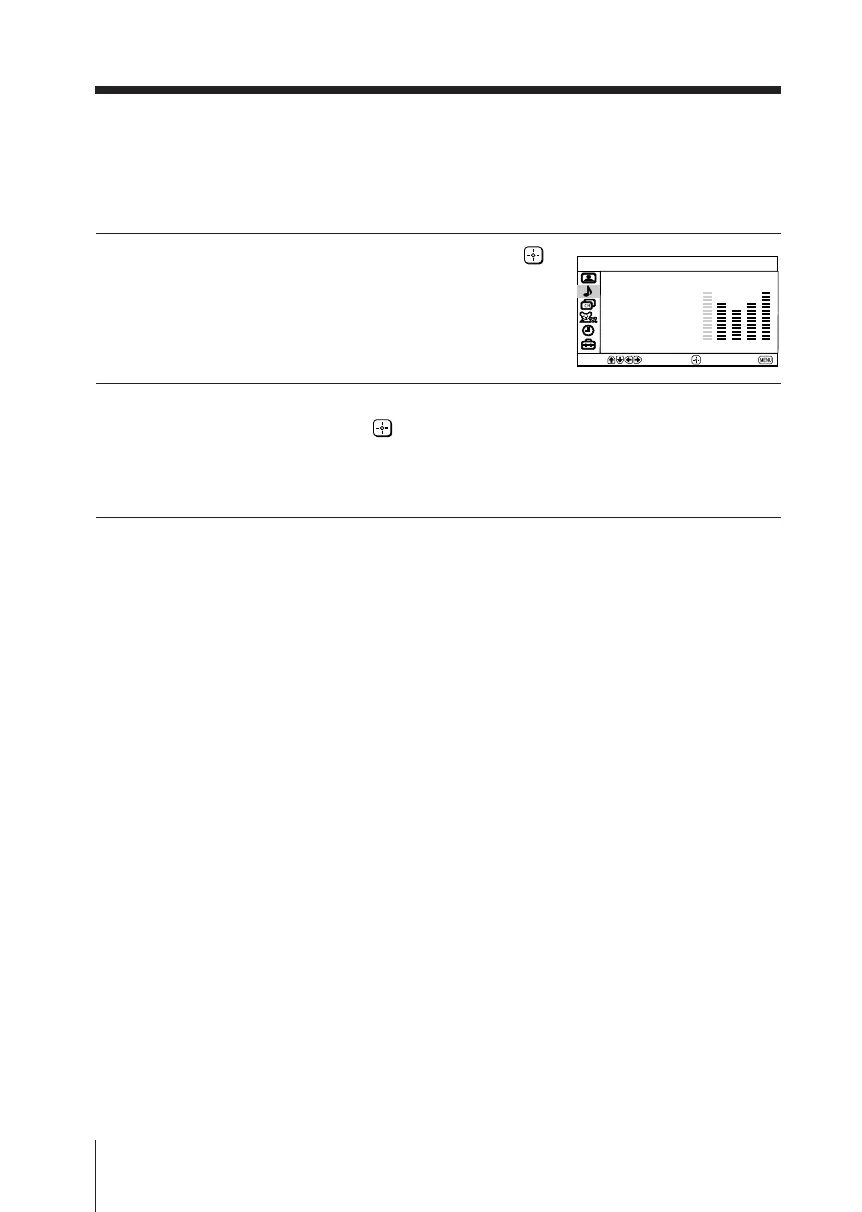
The 5-Band Graphic Equalizer feature allows you to adjust sound frequency settings
to your personal preference in the menu.
1
Press v to select “Sound Controls”, then press .
2
Press b or B to select the desired sound frequency, then press V or v to
adjust the setting and press .
The adjusted settings will be memorized.
Pressing RESET button on the remote control will set your TV to the factory
setting.
Notes
• Adjusting higher frequency will affect higher pitched sound and adjusting lower frequency
will affect lower pitched sound.
• You may display the settings directly using the SOUND MODE button on the top control
panel (see page 8) or the remote control (see page 10).
Sound Controls
Select
End
Move
Mode:
Movie
100 300 1k 3k 8k
continued
01GB06ADJ-PHI.p65 29/08/03, 3:34 PM18






 To Next Page