11
Select the copy mode and
create a disc!
11
Selecting copy mode
Full
Copy the entire contents in the recording
media.
page 40
Incremental*
1
Copy only new contents in the recording
media.
Playlist*
1
Copy playlist contents in the recording media.
Select Videos
Select videos by scene*
1
or shooting date, and
then copy.
One Touch Disc Burn*
2
Press the DISC BURN button on the camera to
copy.
*
1
Available only in Sony cameras.
*
2
Supported in some Sony cameras. (Use
a USB cable.)
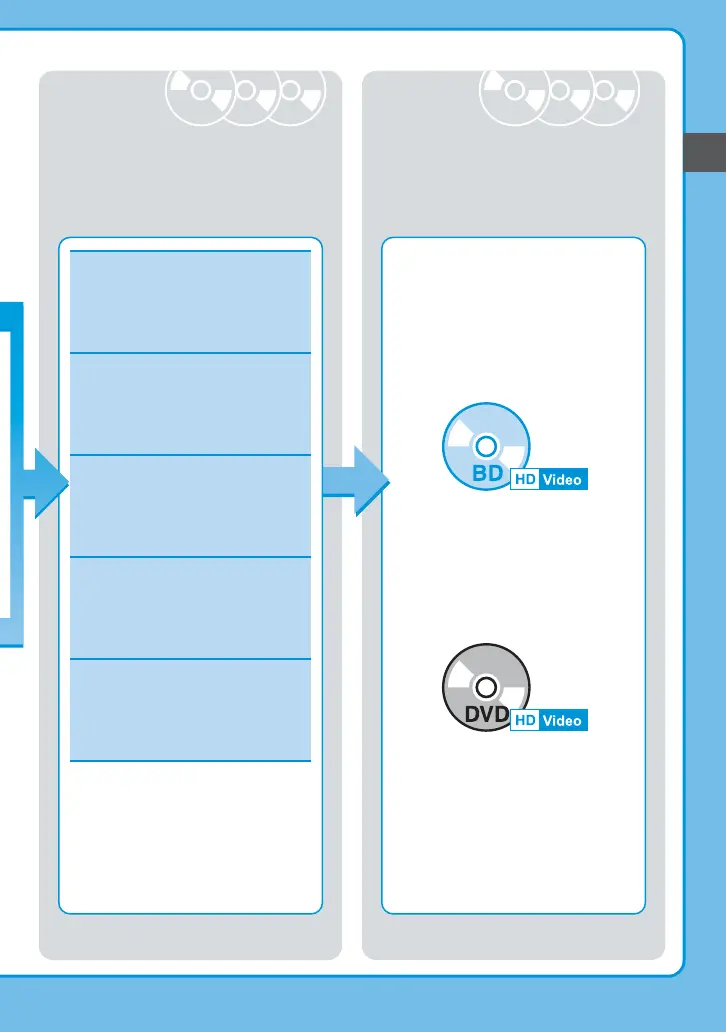
The created disc is …
Blu-ray Disc™
• HD video is copied.
• HD videos or photos can be copied
additionally.
DVD (AVCHD disc)
• HD video is copied.
• HD videos or photos can be copied
additionally if disc is not finalized.
page 40
page 43
page 40
page 40
For details on playback, see “About
Created Discs” (page 72).



 To Next Page