29
Preparations for Recording
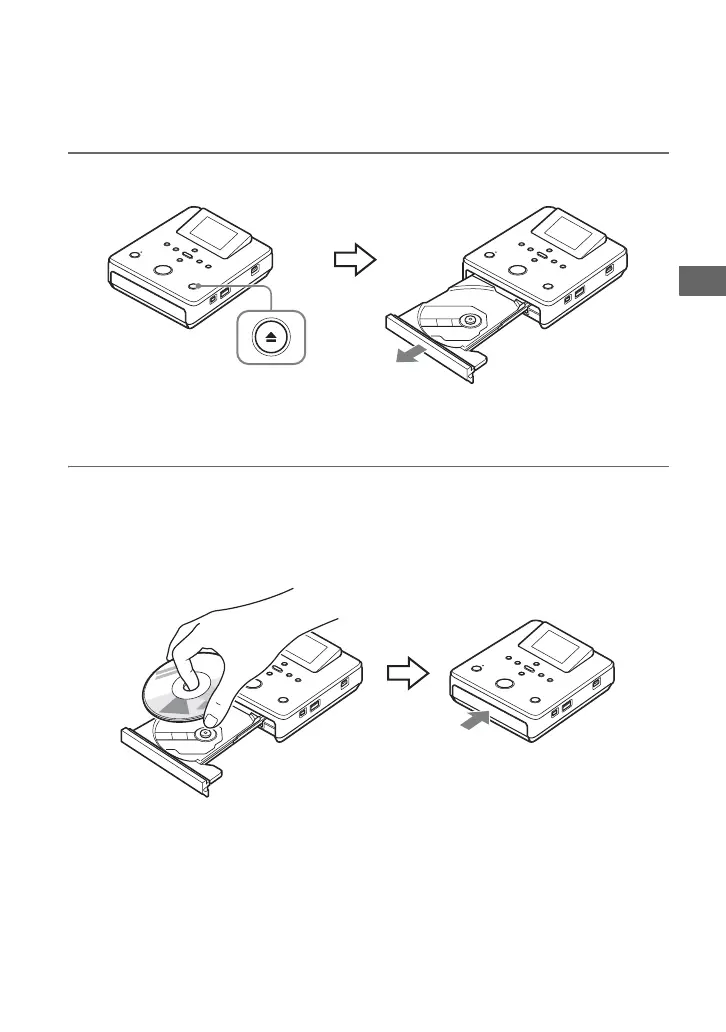
1 Press the Z (eject) button.
The disc tray ejects.
The disc tray opens halfway. Open it fully by hand.
2 Place the disc in the disc tray with its recording side down, and push the
disc tray in the direction of the arrow.
b Note
• Do not touch the recording side of the disc.
Push the disc until it clicks into place.
Push the disc tray in until it clicks fully closed.
Inserting a Disc



 To Next Page