43
Copying Videos
This mode allows you to record video from
a camera onto a disc by simply pressing
DISC BURN on the camera. You can
record additional video onto a disc that has
been previously recorded on, as with
copying only new videos (page 40).
1 Turn on this unit (page 28) and
insert a disc (page 29).
2 Turn on the camera.
b Note
• Connect the AC adapter to the camera if one is
supplied with the camera.
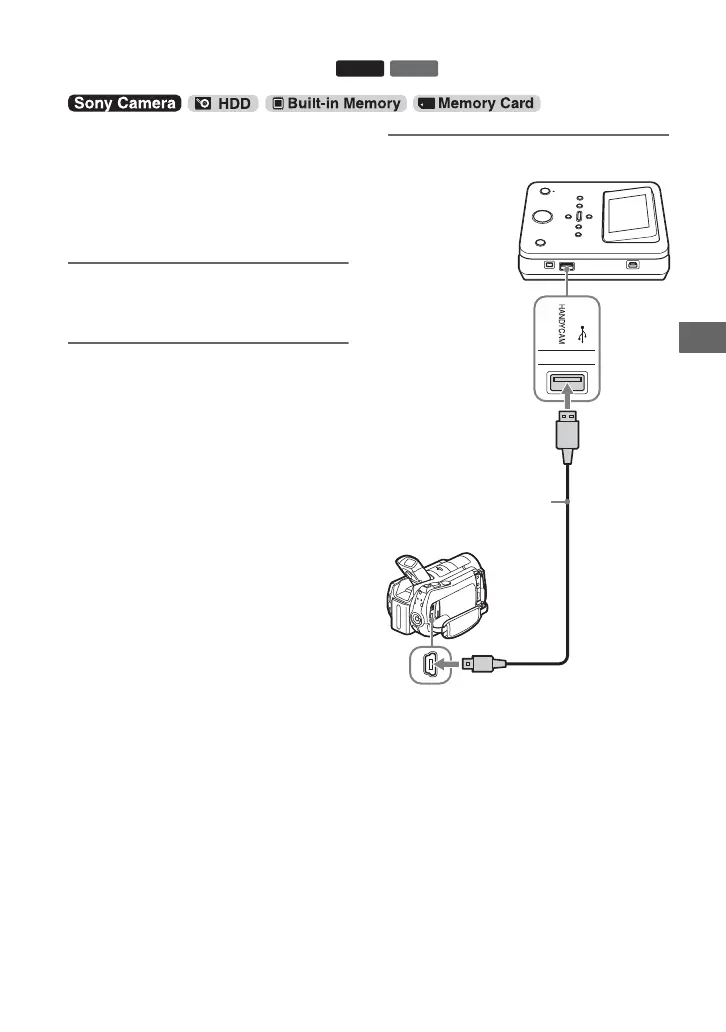
3 Connect the camera to this unit.
The [USB SELECT] screen appears on
the camera’s LCD screen.
One Touch Disc Burn
BD
DVD
USB port (Type A)
USB cable
(supplied)
USB port (Type Mini B)



 To Next Page