31
Preparations for Recording
3 Check the USB connection on the camera.
Sony digital video camera (such as Handycam
®
)
The [USB SELECT] screen appears. Be sure to select the media that stores images to
record.
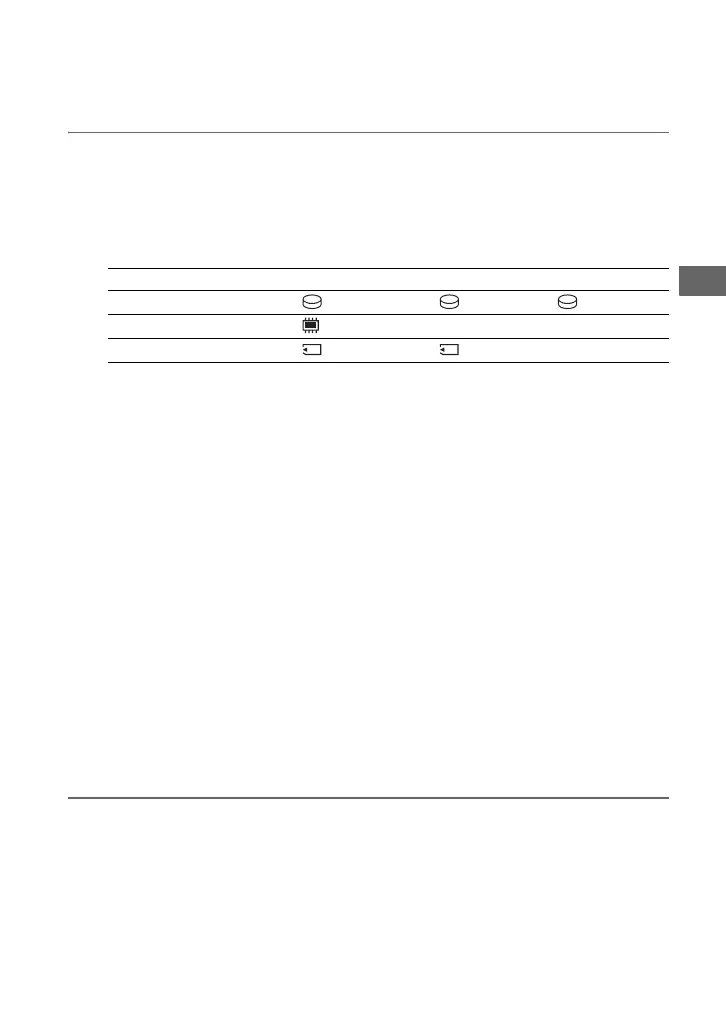
Button names on the [USB SELECT] screen
z Hints
• Depending on the model, USB connection may complete simply by connecting the camera to this
unit ([USB mode] screen appears). In this case, selecting the recording media is unnecessary.
• If your camera has a [USB SPEED] setting, specify [AUTO] ([AUTO] is the default setting).
Sony digital still camera (such as “Cyber-shot” and “α”)
USB connection completes only by connecting the camera to this unit. [USB mode] or
[Mass Storage] screen appears.
z Hints
• If your camera has a [USB CONNECT] setting, specify [AUTO] or [Mass Storage] ([AUTO] is
the default setting).
• If your camera has a [LUN Settings] setting, you may need to set [Single], depending on the model
(default setting is different depending on the model).
• See the following web site for details on supported camera models (English only):
http://sony.storagesupport.com
b Note
• If a camera with built-in memory and memory card is connected to this unit, this unit will choose
the memory card as the USB connection. However, built-in memory might be chosen depending
on the model of the camera and its setting. For details, see the instruction manual of the camera,
and confirm the settings of [USB CONNECT] and [LUN Settings].
Notes on connecting cameras supporting USB charge/USB feed
• You cannot charge the battery of the camera if a USB charge compatible camera is
connected.
• When connecting a USB feed compatible camera to this unit, do not connect another device
or a computer.
Storage Media Button Name
Hard disk drive [ USB CONNECT] [ COMPUTER] [ HDD], etc.
Built-in memory [ USB CONNECT], etc.
Memory Card [ USB CONNECT] [ COMPUTER], etc.



 To Next Page