37
Preparations for Recording
If a recorded disc is inserted
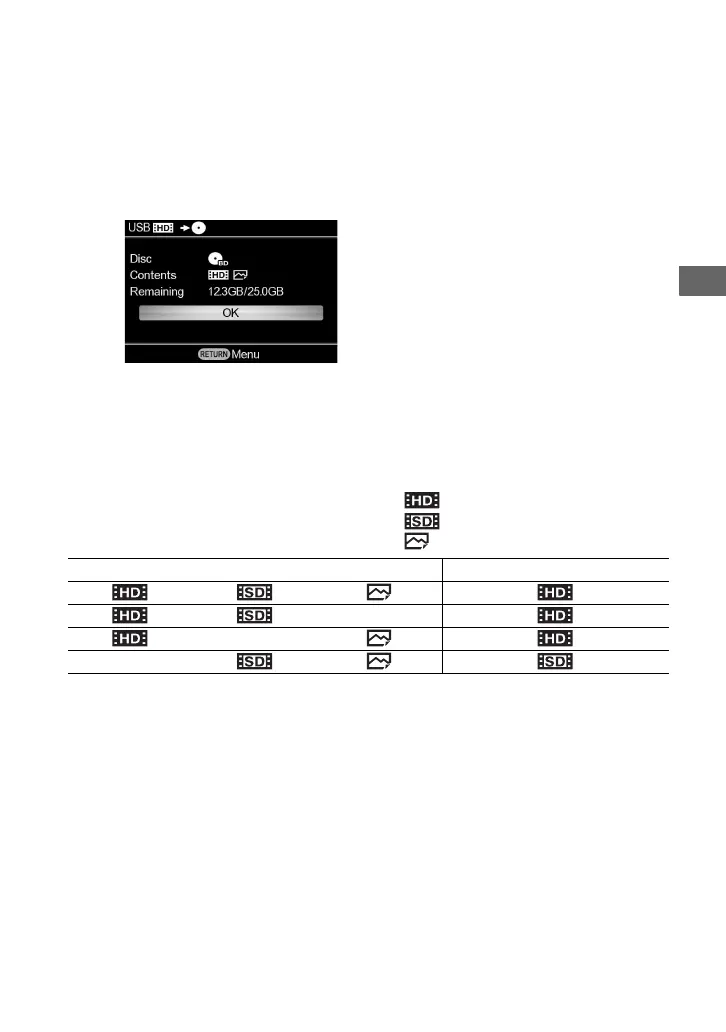
If you insert a recorded disc, the disc information will appear.
Press the ENTER button to proceed.
To change the disc to other one, press the Z (eject) button to eject the current disc.
When multiple image types are recorded in a connected camera or inserted
memory card
When multiple image types are recorded on a memory card or connected camera, this unit
automatically selects the type in order of the following priority: HD Video; SD Video; Photo.
You cannot copy all types at once.
: HD (High Definition) video
: SD (Standard Definition) video
: Photo (JPEG, MPO, and ARW file)
If you want to copy an image other than the selected image, copy an image by selecting the
option from the [Menu] (page 38).
Types of image recorded in camera/memory card Type of image to be copied
The disc type, contents, and disc space will
appear.



 To Next Page