39
Preparations for Recording
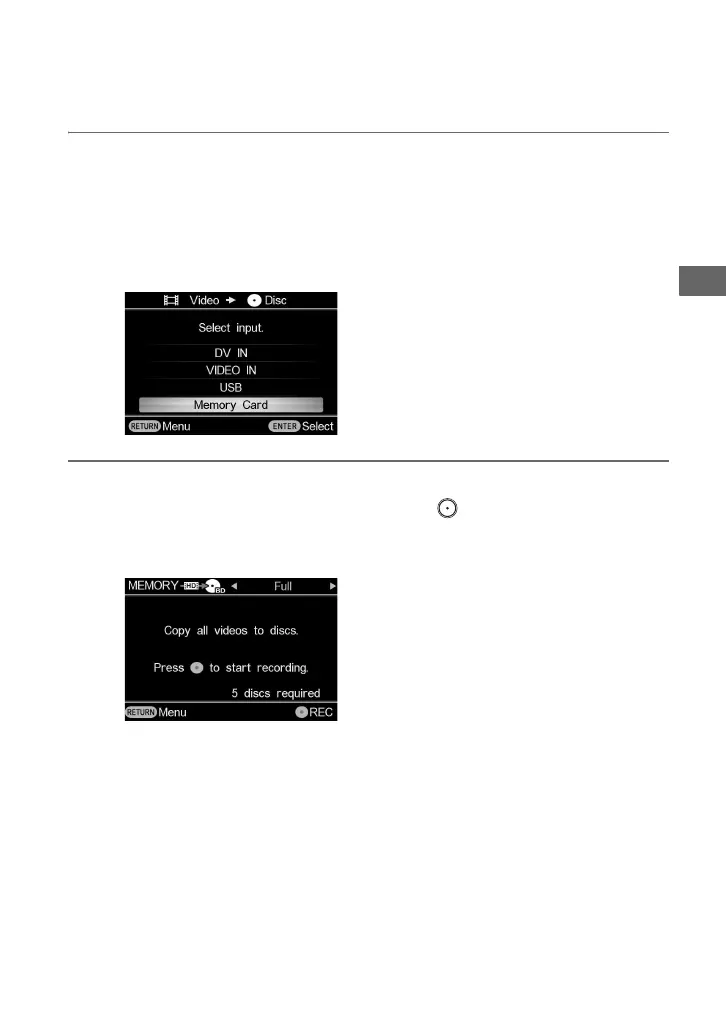
3 Press V or v to select the input.
According to the copy type selected in step 2, input options will differ. Only selectable
inputs will appear.
If you select [Photo b Disc] in step 1, or [HD b HD] in step 2, only [USB] and [Memory
Card] will appear.
If you select [HD b SD] in step 2, only [VIDEO IN] will appear.
4 Press B or b to select copy mode.
Selecting copy mode in the top right and pressing the (record) button starts the
recording process.
For details on copy mode, see page 40.



 To Next Page