48
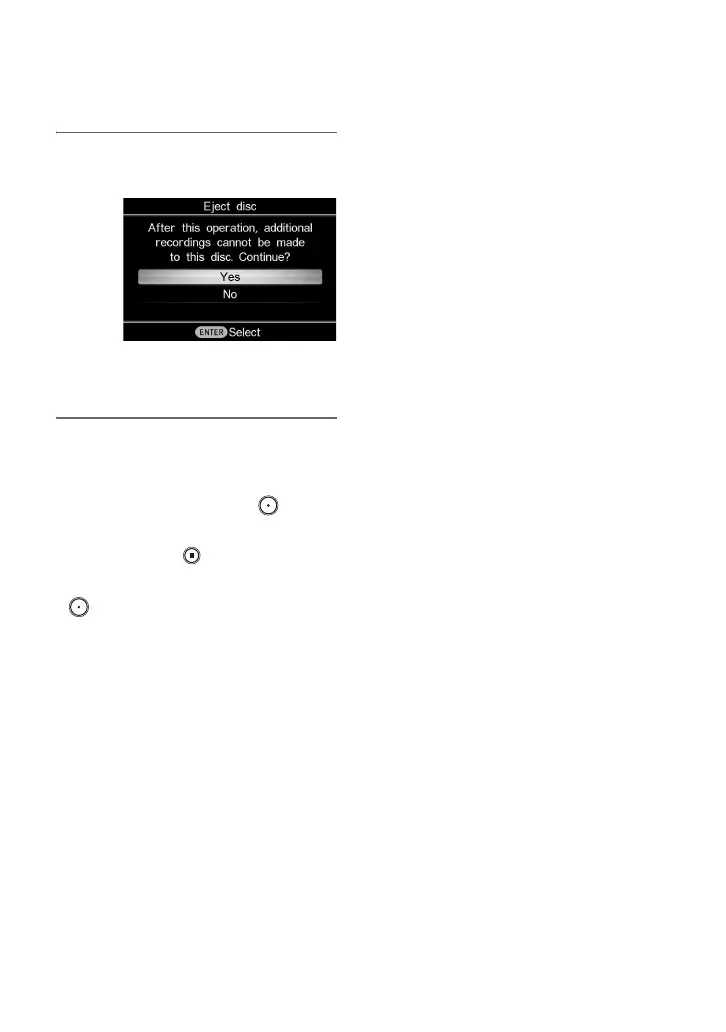
7 Press V or v to select [Yes] and
press the ENTER button.
When finalizing has completed, the
disc tray opens.
b Notes
• Start recording immediately after inserting a
disc. The recording process may take a few
seconds to start after pressing the (record)
button if the disc was inserted more than 10
minutes prior to starting.
• When you press the (stop) button, you may
hear the noise of the disc turning momentarily.
• Recording may not occur immediately after the
(record) button is pressed.



 To Next Page