55
Previewing disc
To preview SD (Standard Definition)
videos
Press V or v to select [Preview Video], and
press the ENTER button.
The Disc Menu appears. If the disc is not
finalized, the Disc Menu is not displayed
and playback of the video starts.
Press V/v/B/b to select the title you want to
preview, and press the ENTER button. The
selected title is played back.
Operations during playback
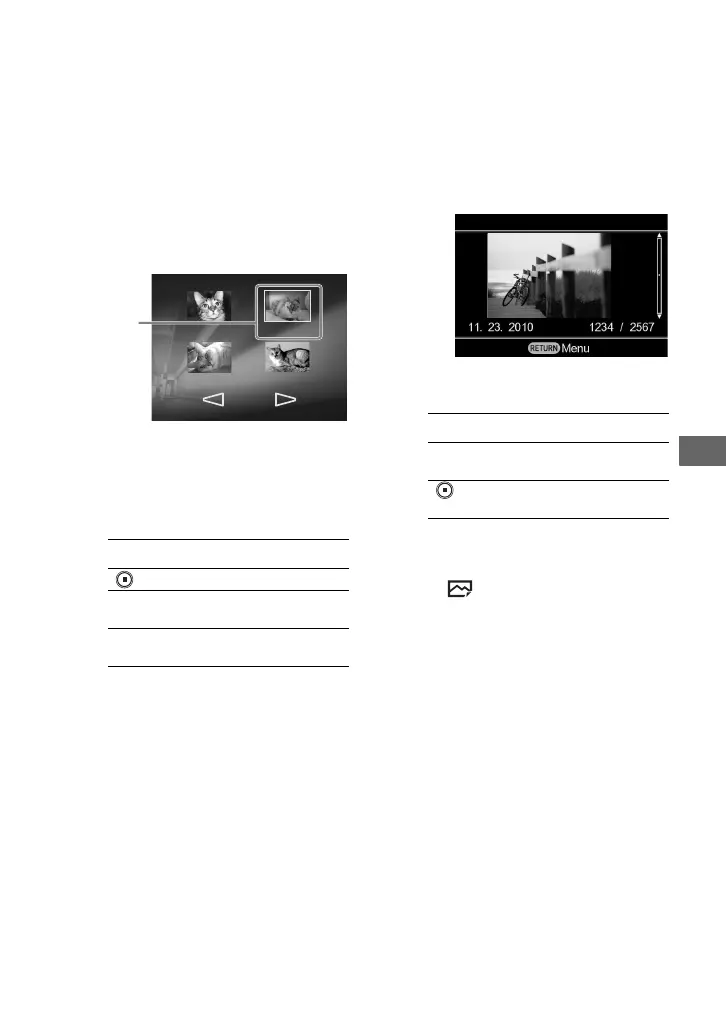
To preview photos
Press V or v to select [Preview Photo], and
press the ENTER button.
A photo appears.
Operations during playback
b Notes
• If a photo file does not support thumbnail
display, will appear.
• If a 3D photo (or RAW format photo) and JPEG
file have the same file number, such as
“DSC001.mpo” (or “DSC001.arw”) file and
“DSC001.jpg” file, only one photo will be
displayed as a thumbnail.
Button Operation
Stop playback
B/b
Display the previous or
the next title
RETURN
Return to the Disc Menu
or [Menu] display
Title 5
12.24.2007
00:11:23
Title 7
3.22.2008
02/03
00:15:43
Title 6
3.20.2008
00:20:55
Title 8
4.29.2008
00:08:10
Selected
title
Button Function
V/v
Display the next or the
previous photo
/
RETURN
Return to the [Menu]
display



 To Next Page