19
Projecting an Image
Projecting/Adjusting an Image
Correcting trapezoidal distortion of the projected image (Keystone feature)
Normally the Keystone feature automatically adjusts the projected image. The Keystone
feature may not work automatically if the screen is tilted. In this case, set Keystone manually.
1 Press the KEYSTONE key on the remote commander or select V Keystone in the Installation
menu.
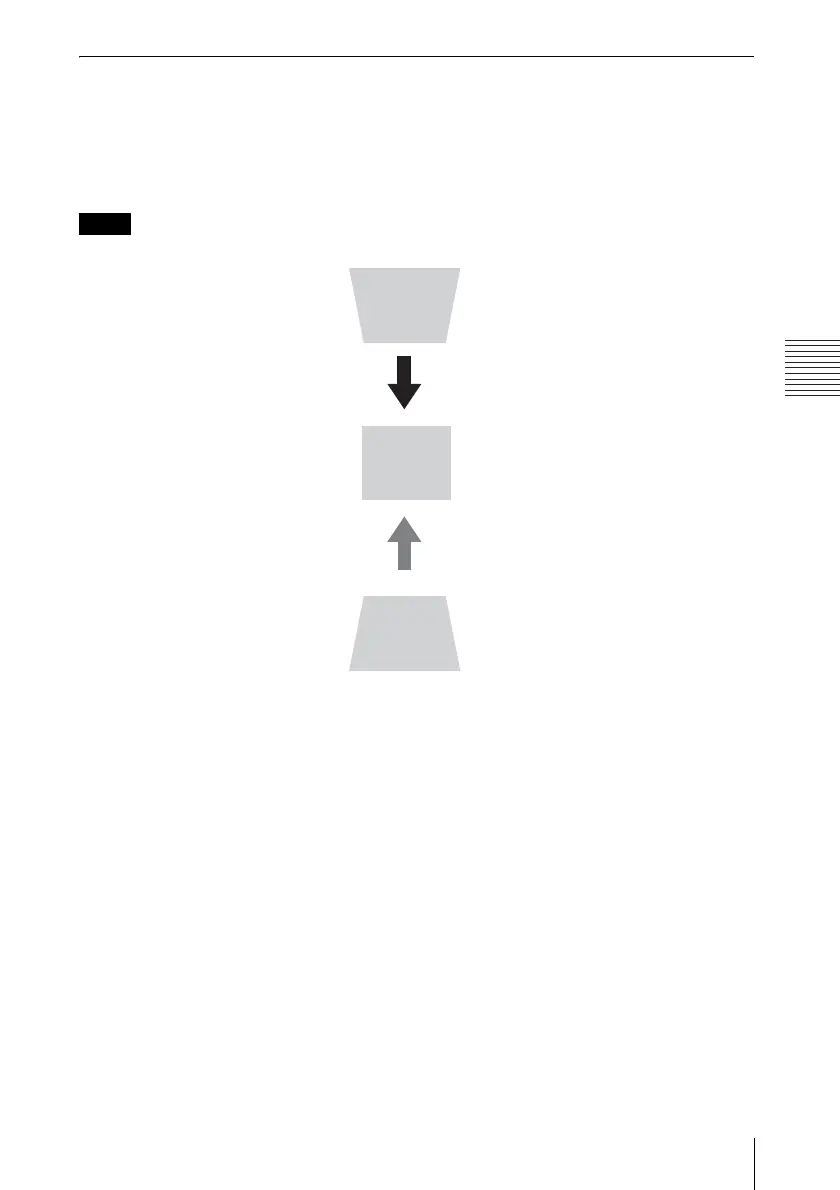
2 Use the V/v/B/b keys to set the value. The higher the value, narrower the top of the projected
image. The lower the value, the narrower the bottom.
Since the Keystone adjustment is an electronic correction, the image may be deteriorated.
Note
Increase the number
towards plus
Increase the number
towards minus



 To Next Page