49
Using USB Media Viewer
USB Media Viewer
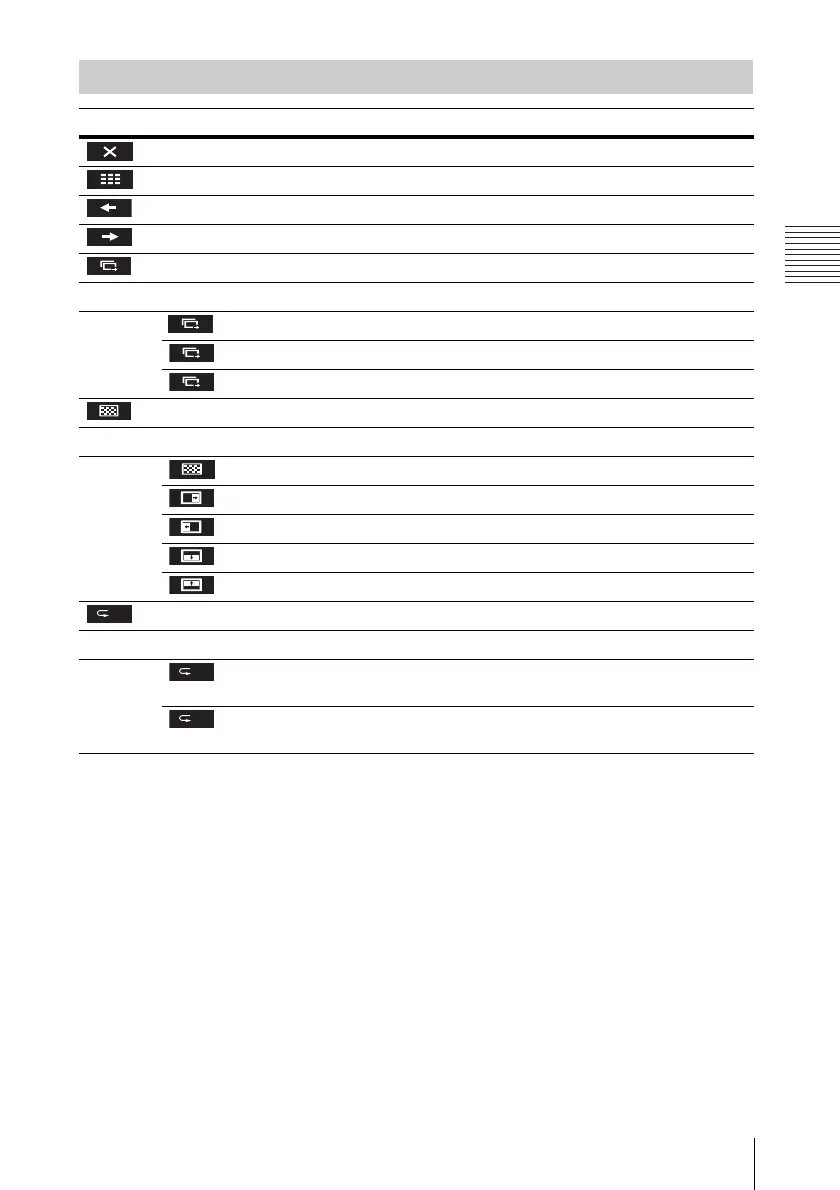
Option Menu
Items Item descriptions
Hide the option menu.
Return to the thumbnail mode (page 47).
Display the previous image.
Display the next image.
Press the V/v key to change the slideshow time interval.
Slideshow time interval
After 3 seconds, display the next image.
After 5 seconds, display the next image.
After 10 seconds, display the next image.
Press the V/v key to change the slideshow effect.
Slideshow effect
The next image appears with tile transition effect.
The next image appears from the left side of the screen.
The next image appears from the right side of the screen.
The next image appears from the top of the screen.
The next image appears from the bottom of the screen.
Press the V/v key to change the slideshow repeat setting.
Repeat Setting
After displaying the last image, the slideshow starts from the first image
again.
After displaying the last image, the slideshow ends and returns to the
thumbnail mode.
3
3
5
10
On
On
Off



 To Next Page