50
Indicators
B Others
Indicators
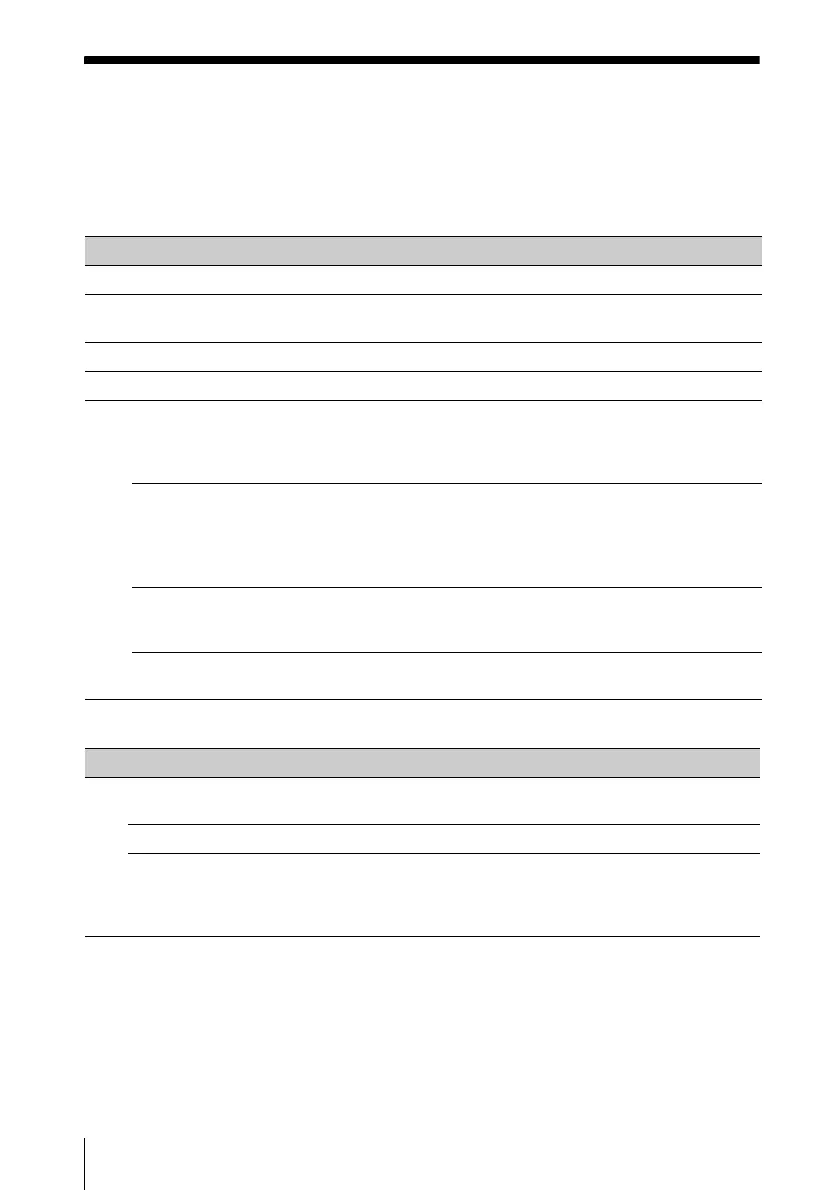
The indicators allow checking the status and notify you of abnormal operation of the projector.
If the projector exhibits abnormal status, address the problem in accordance with the table
below.
ON/STANDBY indicator
LAMP/COVER indicator
Status Meaning/Remedies
Lights in red The projector is in Standby mode.
Flashes in green • The projector is ready to operate after having been turned on.
• The lamp cools after the projector is turned off.
Lights in green The projector’s power is on.
Lights in orange The projector is in With No Input (Lamp Cutoff). (page 34)
Flashes in red The projector is in abnormal status. Symptoms are indicated by
number of flashes. Address the problem in accordance with the
following. If the symptom is shown again, consult with qualified Sony
personnel.
Flashes twice The internal temperature is unusually high. Check the items below.
• Check if nothing is blocking the ventilation holes. (pages 11, 11)
• Check if the air filter is not clogged. (page 56)
• Check if the Installation Attitude in the Installation menu is set
correctly. (page 36)
Flashes six times Unplug the AC power cord from a wall outlet. After checking that the
ON/STANDBY indicator goes out, plug the power cord to a wall
outlet again then turn on the projector.
Other number of
flashes
Consult with qualified Sony personnel.
Status Meaning/Remedies
Flashes in red Symptoms are indicated by number of flashes. Address the problem in
accordance with the following.
Flashes twice The lamp cover is not attached securely. (page 54)
Flashes three times The temperature of lamp is unusually high. Turn off the power and
wait for lamp to cool then turn on the power again. If the symptom is
shown again, the lamp may be burnt out. In this case, replace the lamp
with a new one (page 54).



 To Next Page