Configuring Universal paper settings
1 From the home screen, touch Settings > Paper > Media
Configuration
> Universal Setup.
2 Configure the settings.
Loading trays
CAUTION—TIPPING HAZARD: To reduce the risk of equipment instability, load each tray separately.
Keep all other trays closed until needed.
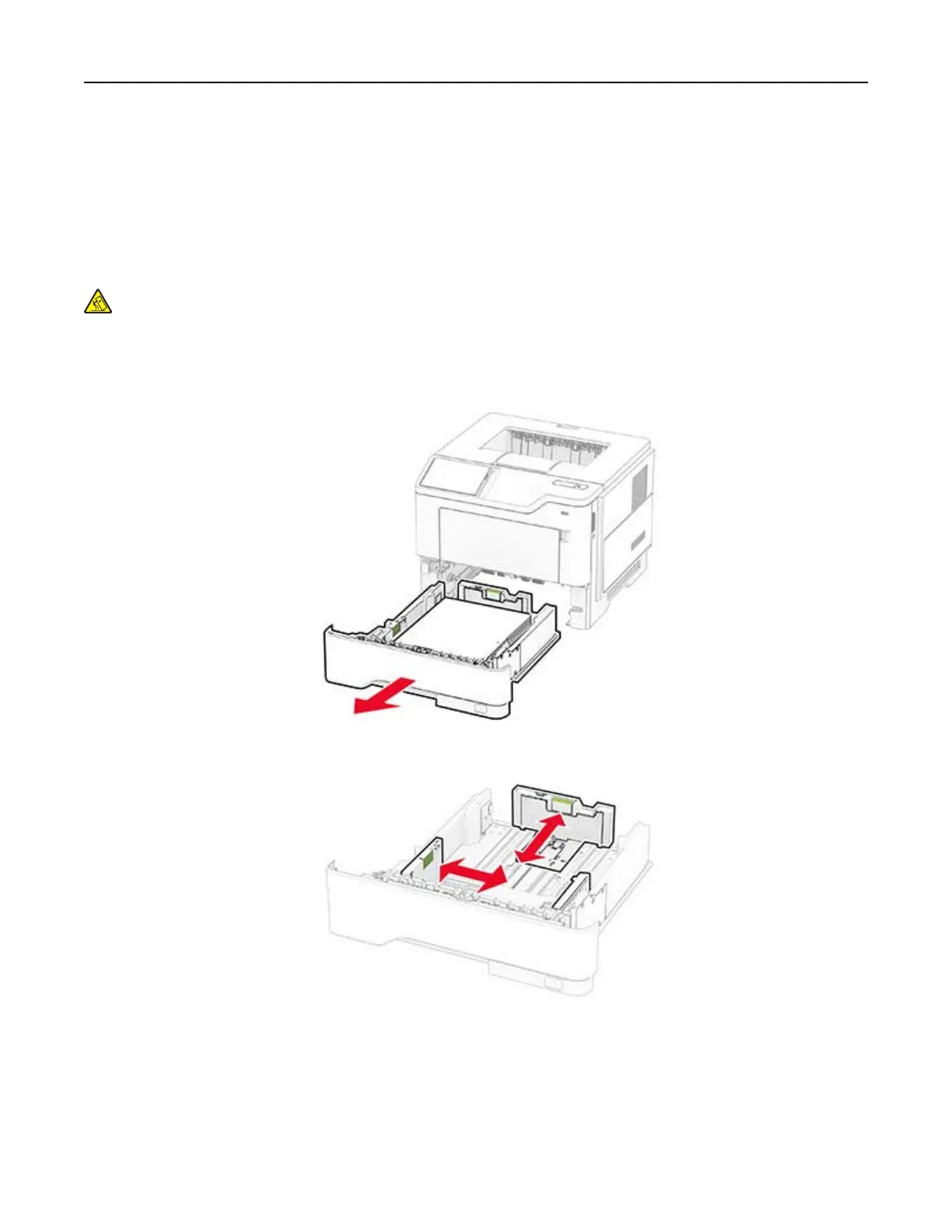
1 Remove the tray.
Note: To avoid paper jams, do not remove the tray while the printer is busy.
2 Adjust the guides to match the size of the paper that you are loading.
Set up, install, and configure 26



 To Next Page