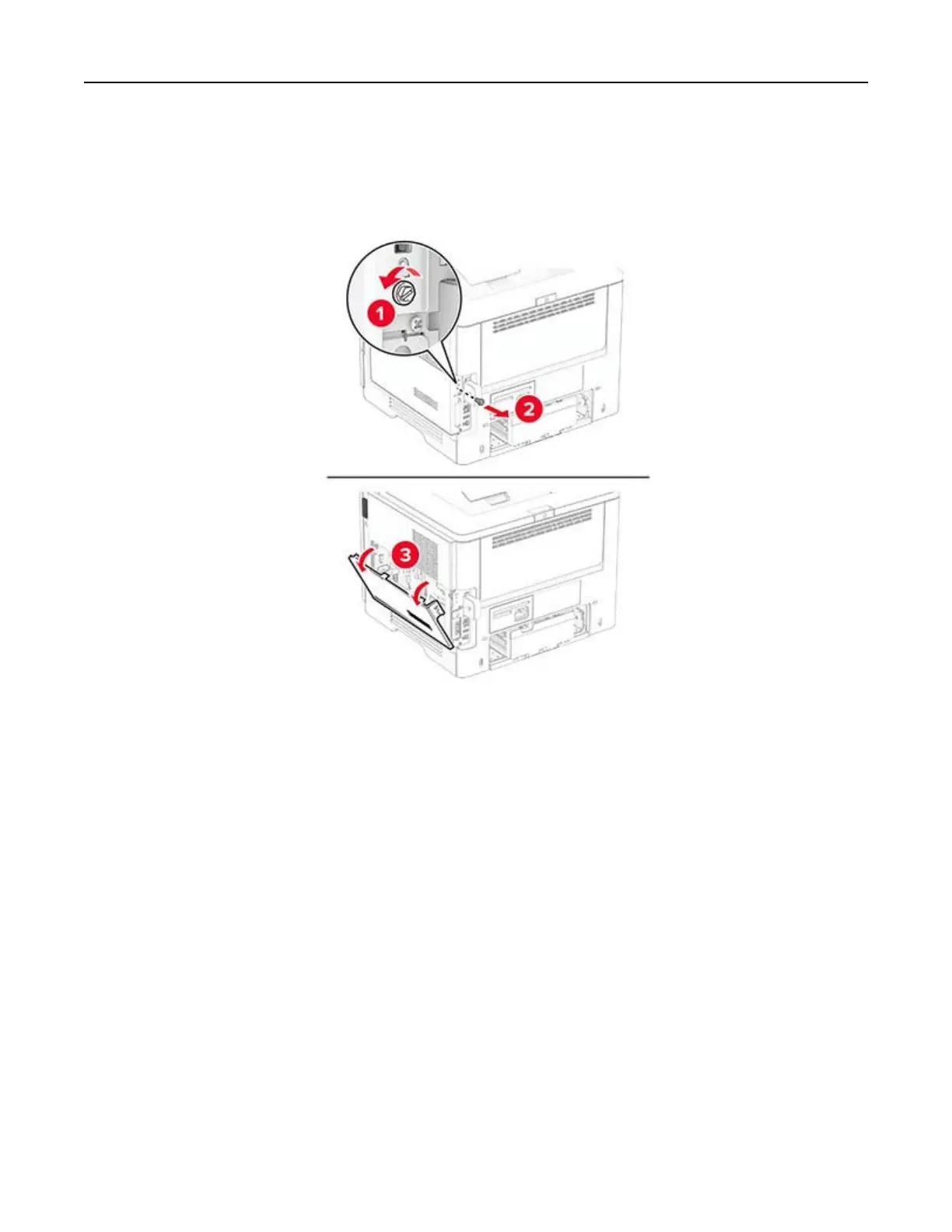
3 Using a flat‑head screwdriver, open the controller board access cover.
Warning—Potential Damage: Controller board electronic components are easily damaged by static
electricity. Touch a metal surface on the printer before touching any controller board components or
connectors.
4 Unpack the intelligent storage drive (ISD).
Warning—Potential Damage: Avoid touching the connection points along the edge of the storage drive.
Set up, install, and configure 34



 To Next Page