Page 10 of 34
INSTALLATION NOTES
• If you choose to install the device via the USB connection then a CDROM drive
will pop up on first installation.
• Double-click Setup.exe to install the software.
• The installation will create a new shortcut on your desktop and a new program
listing under Start-Programs.
• If you have problems with the installation please contact your supplier or see
our website, www.zte.co.nz for more assistance and FAQ’s.
• If you can’t connect to the internet check your SIM card is inserted correctly,
contact your service provider and check your account is active.
• To uninstall the application:
Windows users: Start > SPARK 4G WI-FI > Uninstall
MAC Users:
• Double click the Spark Modem CDROM on the desktop to install the modem.
• To uninstall, go to Applications and run Uninstall SPARK 4G WI-FI
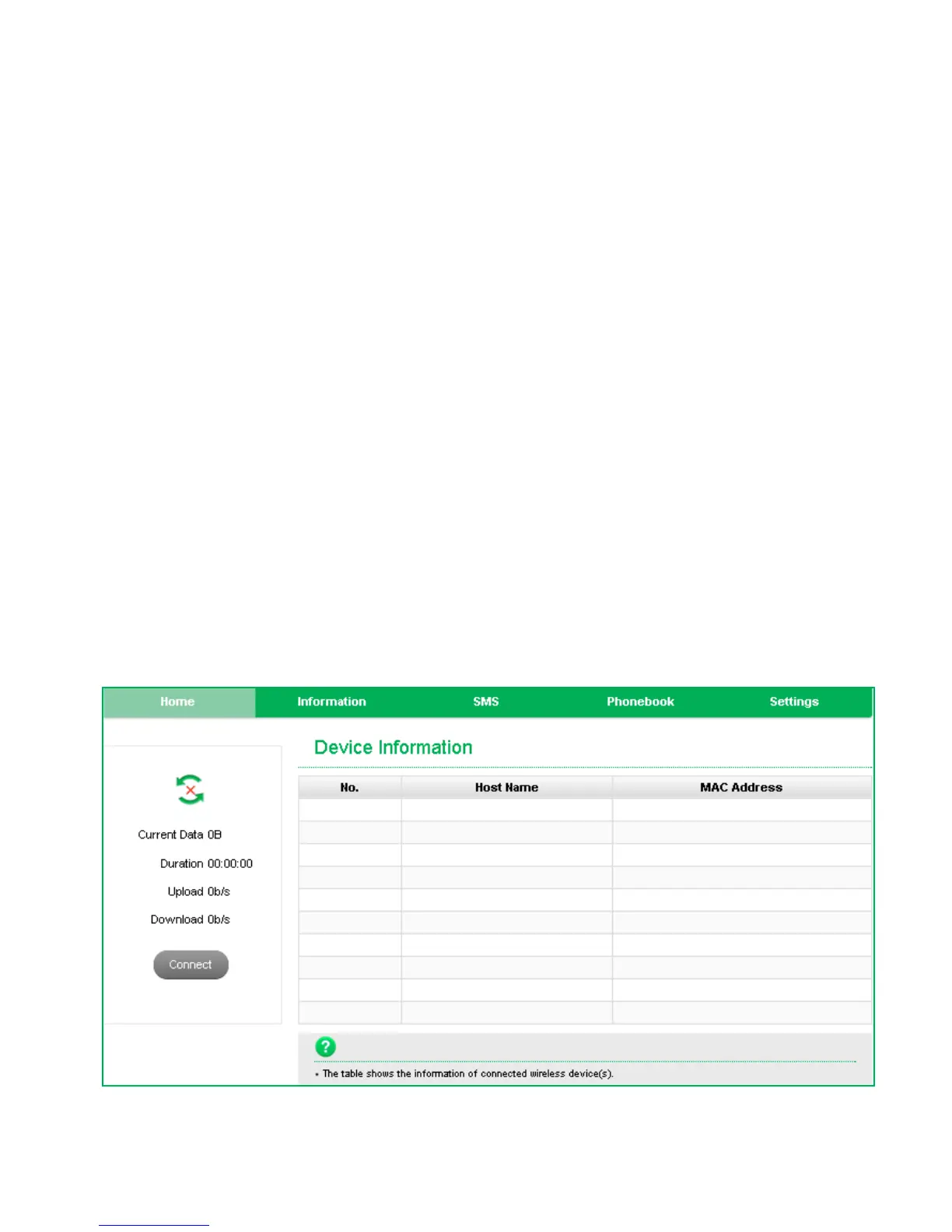
WEB INTERFACE GUIDE
HOME TAB


 To Next Page