INDEX Page. 30 of 89
- ELECRAFT Make the CAT connection (read the “CONNECTIONS”
chapter of this manual) and follow the same indications as for
KENWOOD.
Set your exciter to transmit a continuous RTTY or FM signal.
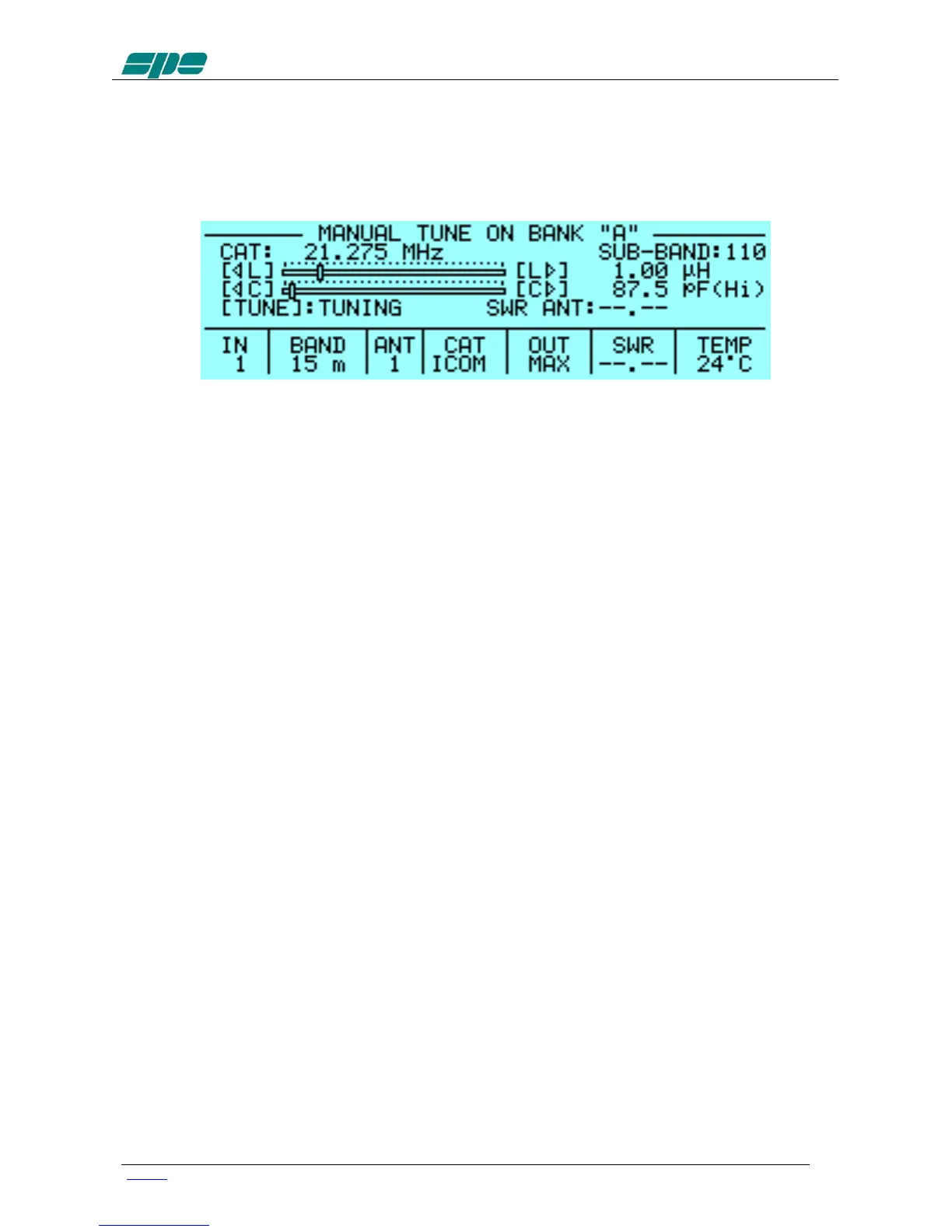
Then press the [◄ L], [L ►], [◄ C], [C ►] keys until you obtain the
minimum SWR.
The operating frequency and the sub-band are also shown on the
Display.
e) DISPLAY: Adjusts the backlight and the contrast of the display.
f) BEEP: On : All acoustic warning alarms operate and a beep confirms a
keystroke.
Off : In this condition, when you press a key there is no beep
feedback, but for all warning conditions and alarms, the
acoustic warnings are still functional.
g) START: Stby: Sets STANDBY mode at startup.
Oprt: Sets OPERATE mode at startup.
h) TEMP / FANS: Celsius: Displays the temperature expressed in “Celsius”.
Fahrenheit: Displays the temperature expressed in “Fahrenheit”.
Normal: The speed of the fans is set for minimum noise.
Contest: The speed of the fans is increased.
i) ALARMS LOG: Shows only the ten most recent "SERIOUS" alarms.
j) TUN ANT: Allows you to associate a tunable antenna to one of four ANT
connectors.
A "t" highlights the selected antenna and the ATU is in BYPASS.
k) RX ANT: Allows you to set a single receiving antenna.
A "r" highlights the selected antenna.


 To Next Page