16
E-DOC-CTC-20050705-0001 v1.0
Chapter 3
Connecting to and Disconnecting from the Internet
3.1 Connecting to and Disconnecting from the
Internet in Microsoft Windows
To connect to and
disconnect from the
Internet in Microsoft
Windows
Proceed as follows:
1 Double-click the SpeedTouch™ Dial-up icon on your desktop:
The SpeedTouch™ Dial-up window appears.
2 Do one of the following:
Click Disconnect to end your Internet session.
Click Connect (or Dial), and then open your Web browser and surf the
Internet.
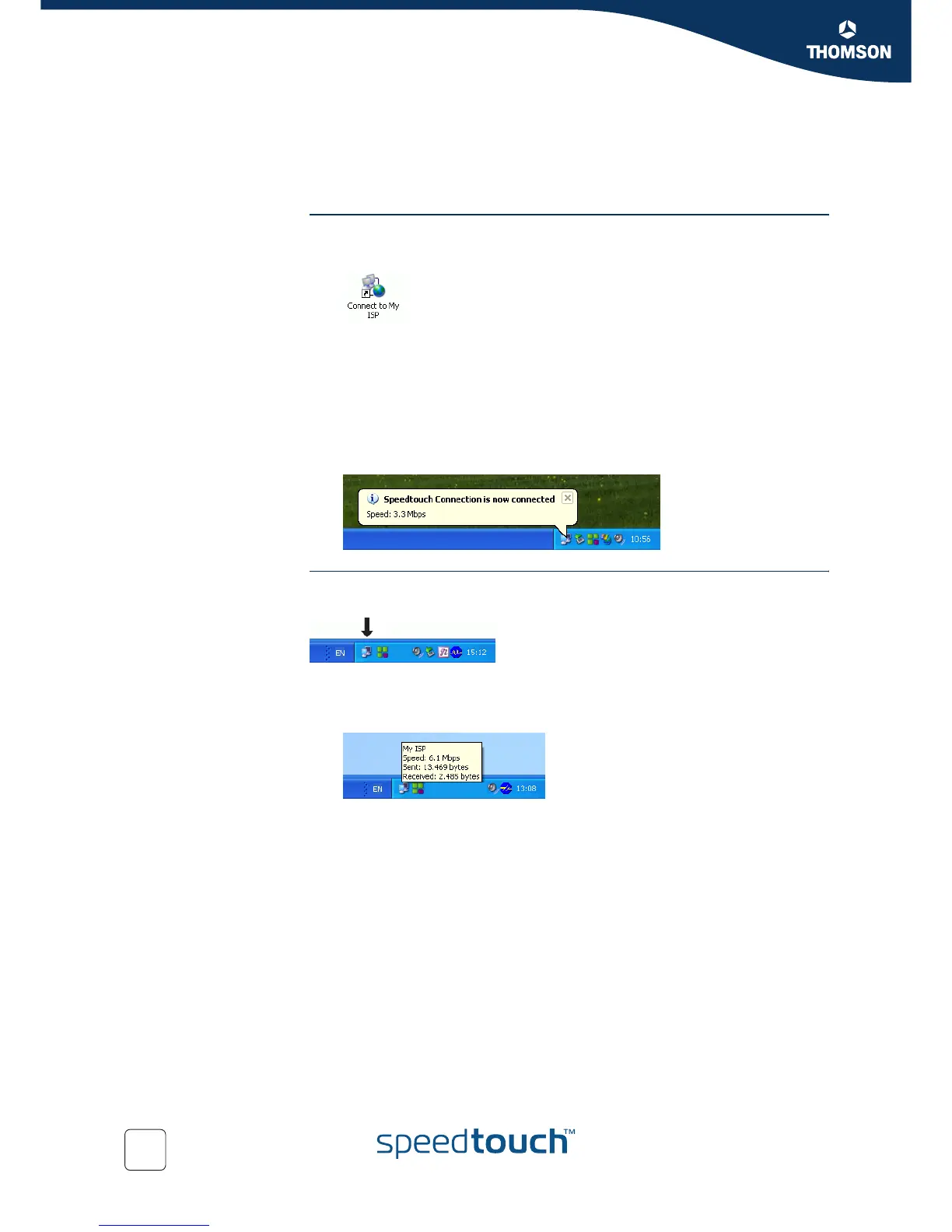
As soon as the connection is established, a message appears in the status area
of the Windows taskbar:
To check your
connection status
You can check whether you are connected to the Internet or not by looking at the
network connection icon in the status area of the Windows taskbar:
You can do one of the following:
Move the mouse pointer over the network connection icon to see the status of
your connection:



 To Next Page