6
E-DOC-CTC-20050705-0001 v1.0
Chapter 2
Installing your SpeedTouch™
2.1 Pre-installation Checklist
What do you need? Of course, you want to unpack and install your SpeedTouch™ and connect to the
Internet right away. Before you do this, however, make sure that you have the
following ready at hand:
A telephone line and an ADSL subscription
An ADSL splitter
A computer which meets the hardware and system requirements
Connection details from your Internet Service Provider (ISP)
Your SpeedTouch™ and the Setup CD
ADSL subscription You must have an ADSL subscription on your telephone line. If you take an ADSL
subscription, your Internet Service Provider (ISP) will add the ADSL service to your
telephone line, meaning that your telephone will be made “Internet-ready”.
ADSL splitter As soon as your telephone line has been made “Internet-ready” by your ISP, it will be
able to transmit both telephone (voice) and ADSL (data) signals. To separate these
signals when they arrive at your home, i.e. voice signals to the telephone and data
signals to your computer, you will need an ADSL splitter with a microfilter
(sometimes called “ADSL filter” for short).
You can buy an ADSL splitter from your Internet Service Provider (ISP) or at your
local hardware store. Obviously, you do not need an ADSL splitter if your telephone
line is only connected to your computer (and not to a telephone).
Computer: hardware
requirements
Your computer must have at least:
a CD-ROM drive
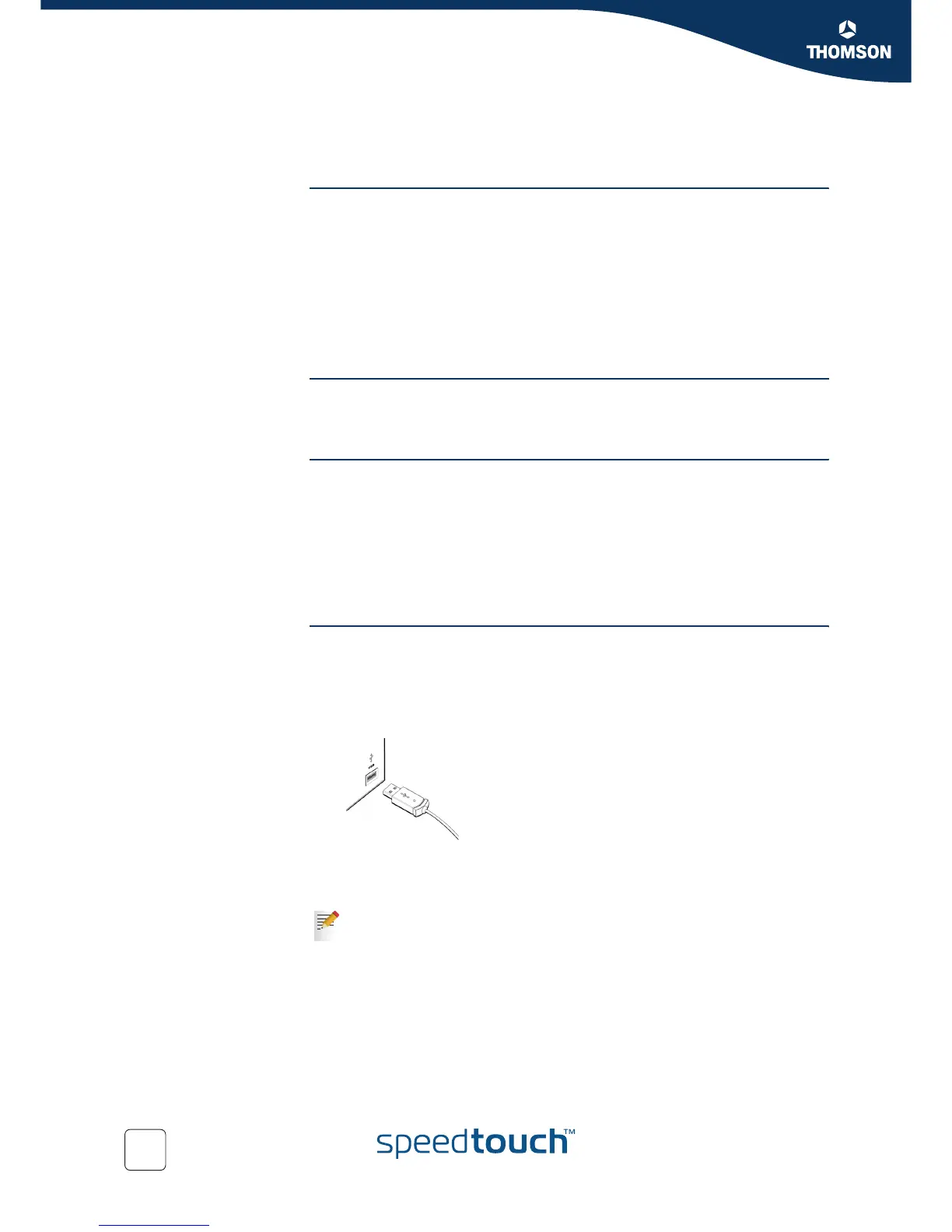
a free USB port capable of powering attached USB devices, because your
SpeedTouch™ does not have a separate power supply.
You can also use a USB hub to connect the SpeedTouch™.
USB port
When in doubt about the type of USB ports on your computer, see the User
Guide of your computer or USB hub.



 To Next Page