29
E-DOC-CTC-20050705-0001 v1.0
Chapter 5
SpeedTouch™ Diagnostics
Information in the
Diagnostics window
The SpeedTouch™ Diagnostics window has the following tabs:
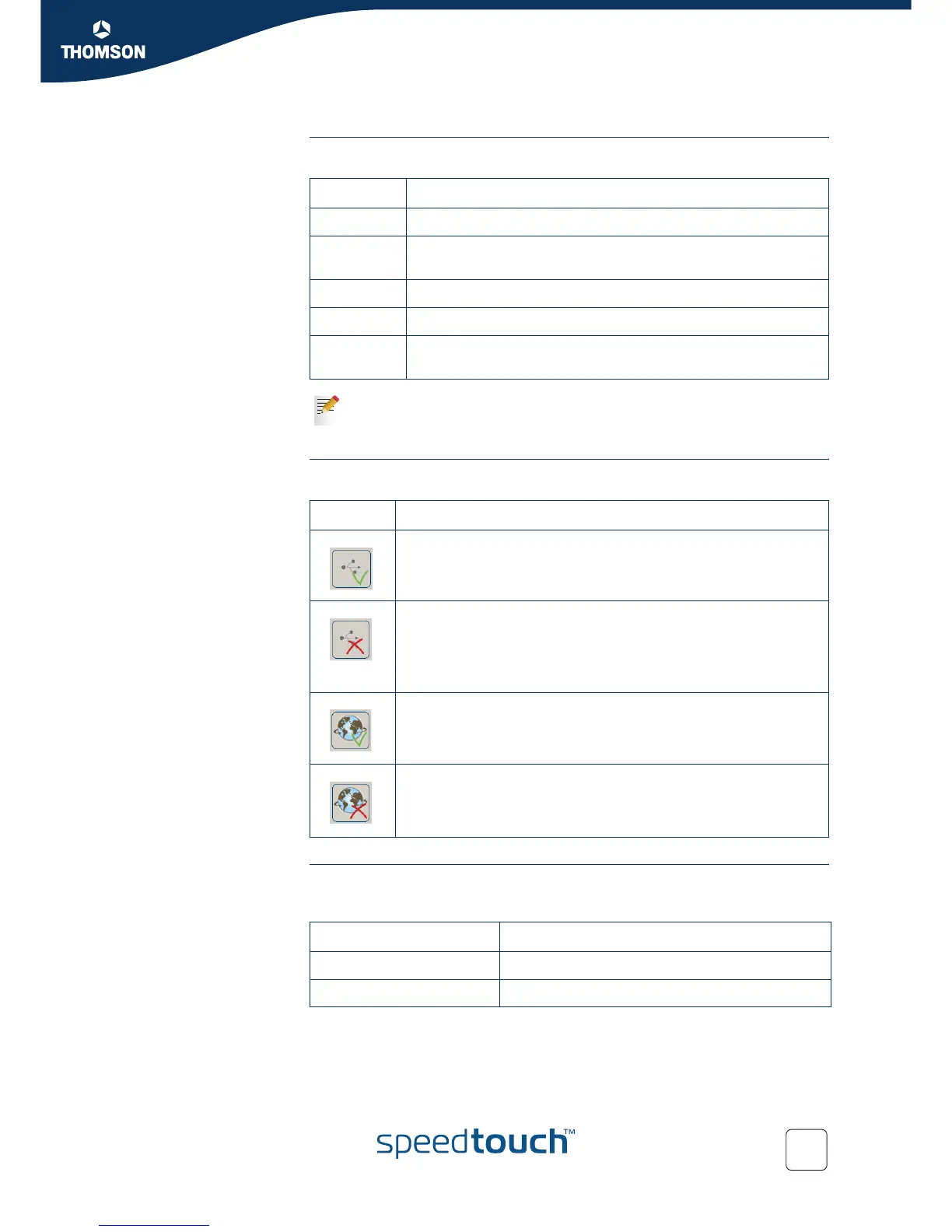
Connection status One of the following icons can be displayed in the General tab:
Throughput The throughput curves on the General tab allow an instant overview of the current
performance of the connection.
All throughput indicators are measured relatively to the actual available bandwidth.
Tab Meaning
General “ Connection status” and “ Throughput”.
DSL ADSL connection details, e.g. the “Line rate” and “ Session
traffic counters”.
USB USB connection, e.g. the USB mode.
Advanced Technical details of your SpeedTouch™, presented in a tree.
Version Version of Diagnostics application, service application and
drivers.
A yellow warning symbol on top of the USB tab warns you about a
sub-optimal connection. Refer to “4 Troubleshooting and Software
Updates” on page 19 for more information.
Icon Description
Your SpeedTouch™ is connected to your computer.
Your SpeedTouch™ is not (properly) connected to your computer, or
malfunctioning.
To solve the problem, (re)connect your SpeedTouch™ to the
computer. Refer to “ Connection diagram: typical configuration”
on page 3.
Your SpeedTouch™ is connected, functioning and ready.
Your ADSL link is connected and functioning, but not (yet) ready.
Throughput Description
Downstream Visualizes the current rate of received Kbps.
Upstream Visualizes the current rate of transmitted Kbps.



 To Next Page