39
6.4 Commissioning - Full
Sub-menus and their functions are outlined within this section, and enables the user to
programme the unit. Additional information is given in the sub-menu notes where further
choices can be made.
Allows the user to view and change the valve status
(OPEN or CLOSED).
See MODE sub-menu.
Allows displayed units to be configured.
See DATA sub-menu.
Configures the input type and commissioning parameters.
See INPUT sub-menu.
Configures the outputs.
See OUTPUT sub-menu.
Allows the user to set bottom blowdown time.
See TIMER sub-menu.
Configures the high alarm.
See ALARM sub-menu.
Allow the product to test various functions.
See TEST sub-menu.
Indicates the software version.
Allows the user to set their own password.
Shows historical conductivity level graphically.
Time base can be selected - minutes, hours or days.
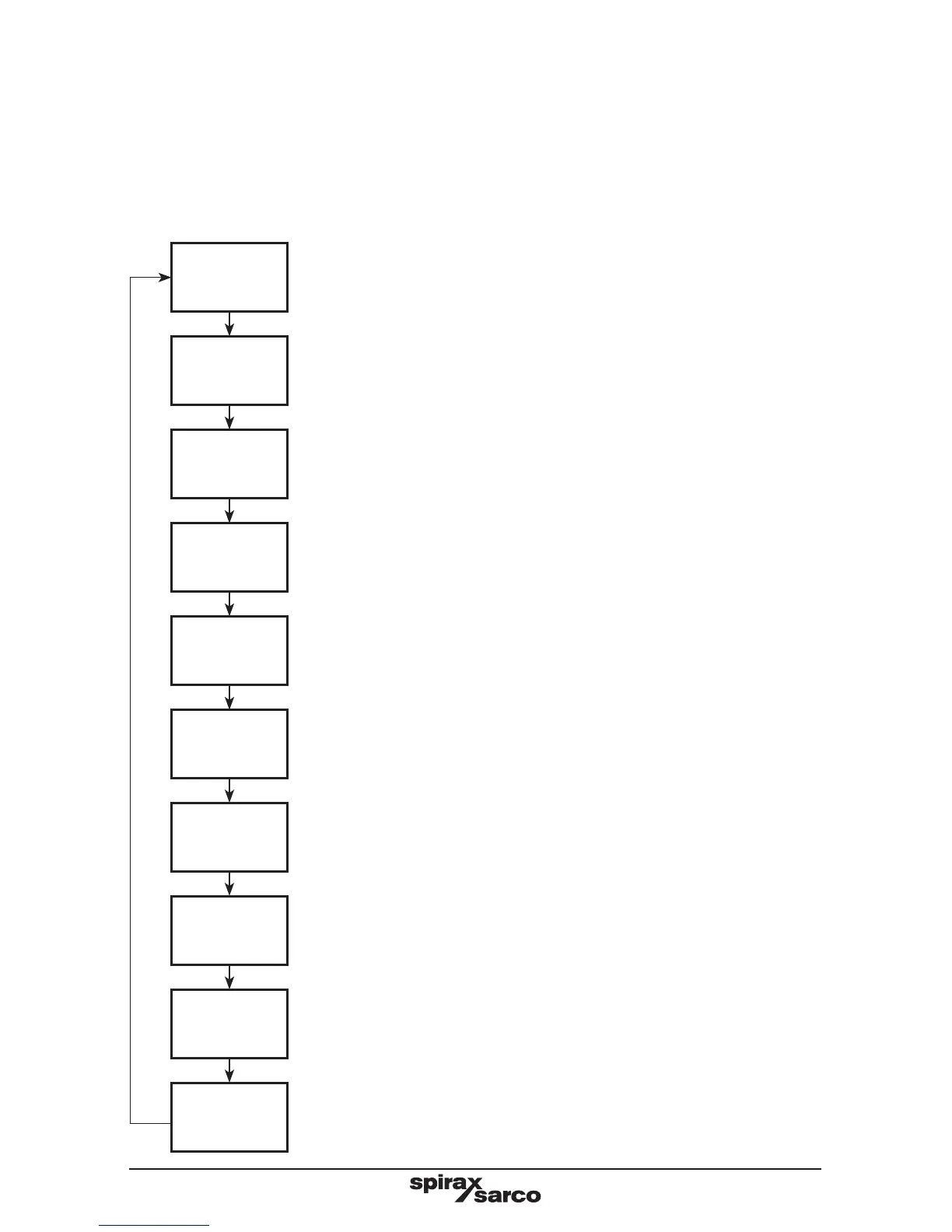
6.4.1 Main menu structure
MODE
DATA
INPUT
OUTPUT
TIMER
ALARM 1
TEST
SW. VER
SET PASS
TREND




 To Next Page