IM-P343-37 CTLS Issue 4
27
SP400 Electropneumatic Smart Positioner
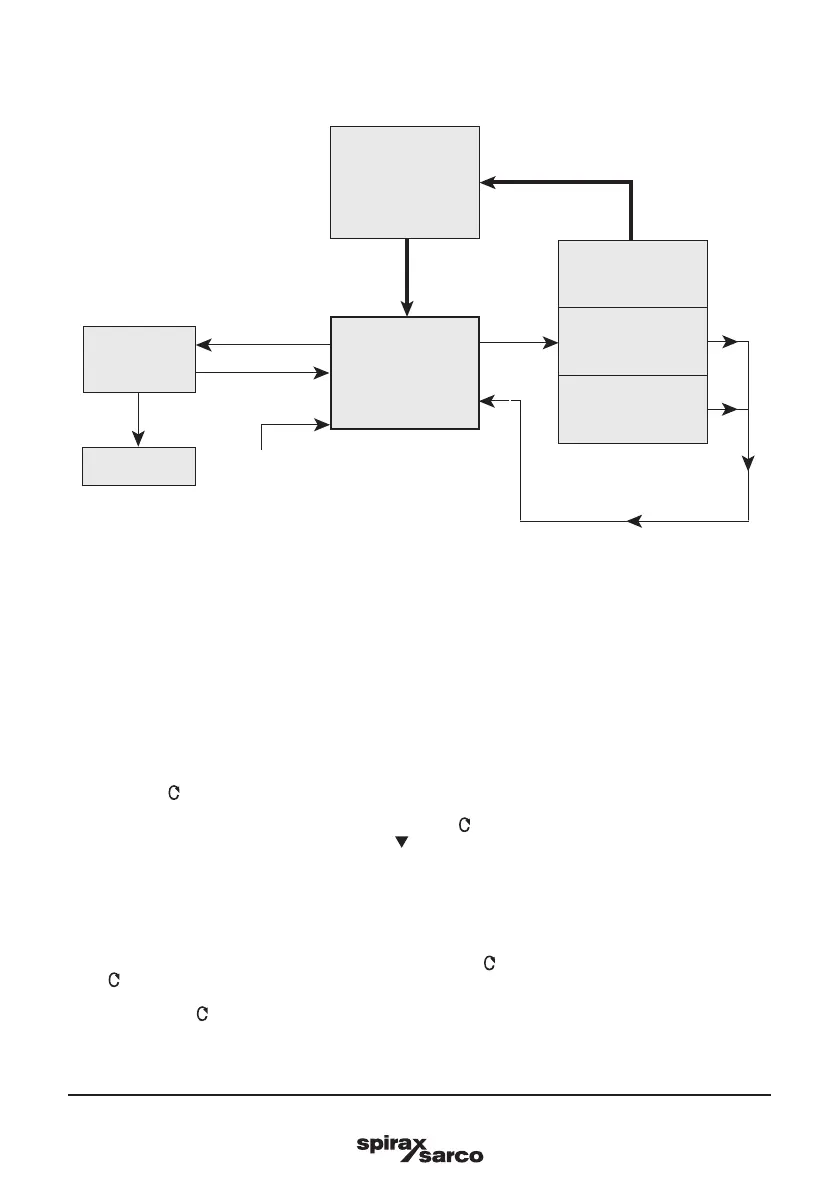
Fig. 30
9.2 SP400 MENU
•
Programming notes
You are now in SP400 MENU.
SP400 functions include:
1. Visualisation of the embedded software version (VER--).
2. Positional setting (CALIB).
3. Resetting of programmed values to default settings (RESET).
4. To retain settings in the temporary memory (RTAIN).
5. Returning to previously stored settings (RETRN).
Press and hold
key for 3 seconds. The display will count down the 3 seconds and access to RESET/RTAIN/
RETRN functions.
To view the embedded version of software (VER-.--) press key.
To advance to manual operation (MANOP) press key.
9.2.1 VER -.-- software version
•
Programming notes
To view the version of the embedded software (VER-.--) press key.
Press key to return to SP400 MENU. The display will automatically return to SP400 MENU after 10 seconds.
Press and hold the key for 3 seconds to access the PSWRD menu.
SET-UP
NOW
SP400
MENU
From
RETRN
PSWRD
Clear stored
values
(RESET)
Recall stored
values
(RETRN)
Retain temporary
values
(RTAIN)
Software
version
(Ver X.XX)
3 seconds enter
3 seconds enter



 To Next Page