IM-P343-37 CTLS Issue 4
39
SP400 Electropneumatic Smart Positioner
•
Programming notes
Provides the facility to put the valve into automatic operation. Press and hold the key for 3 seconds to start
automatic operation. The display will count the 3 seconds.
The valve will move to a position in response to the input control signal.
All values stored in the temporary memory will be transferred to the permanent memory.
Commissioning notes
By pressing and holding the key for 3 seconds all values previously set will be entered into the
permanent memory. The valve will move to a position as dictated by the input control signal.
To alter or check SET or TUNE values it is necessary to return to the SP400 MENU. Press and hold
the key for 3 seconds to return to the SP400 MENU. The display will count the 3 seconds.The
positioner will vent the actuator and the valve will travel to its fail safe position.
9.6.1 Automatic operation - 0% travel
•
Programming notes
During normal automatic operation the % valve travel will be continuously displayed. Additionally, a will
be displayed indicating that the valve is operating satisfactorily. At any time during automatic operation the
mA input signal can be displayed by pressing the key.
To return to the SP400 MENU press and hold the key for 3 seconds.
Commissioning notes
During normal operation the % valve travel will be continually displayed. A indicates that the
valve is performing satisfactorily. Causes of fluctuations in valve movement can be related to input
signal. Press the key to view actual mA input signal.
9.6.2 Input signal - mA signal display
•
Programming notes
The mA input signal will be displayed. Press the
key to return to displaying % travel. The programme will
automatically return to displaying % travel after 5 minutes.
Commissioning notes
This function is of assistance to visualise and check input signal relative to valve position and to
investigate causes of fluctuations in valve movement. The mA input signal will be displayed for 5
minutes. Press the key to return to displaying % travel. The programme will automatically return
to displaying % travel after 5 minutes.
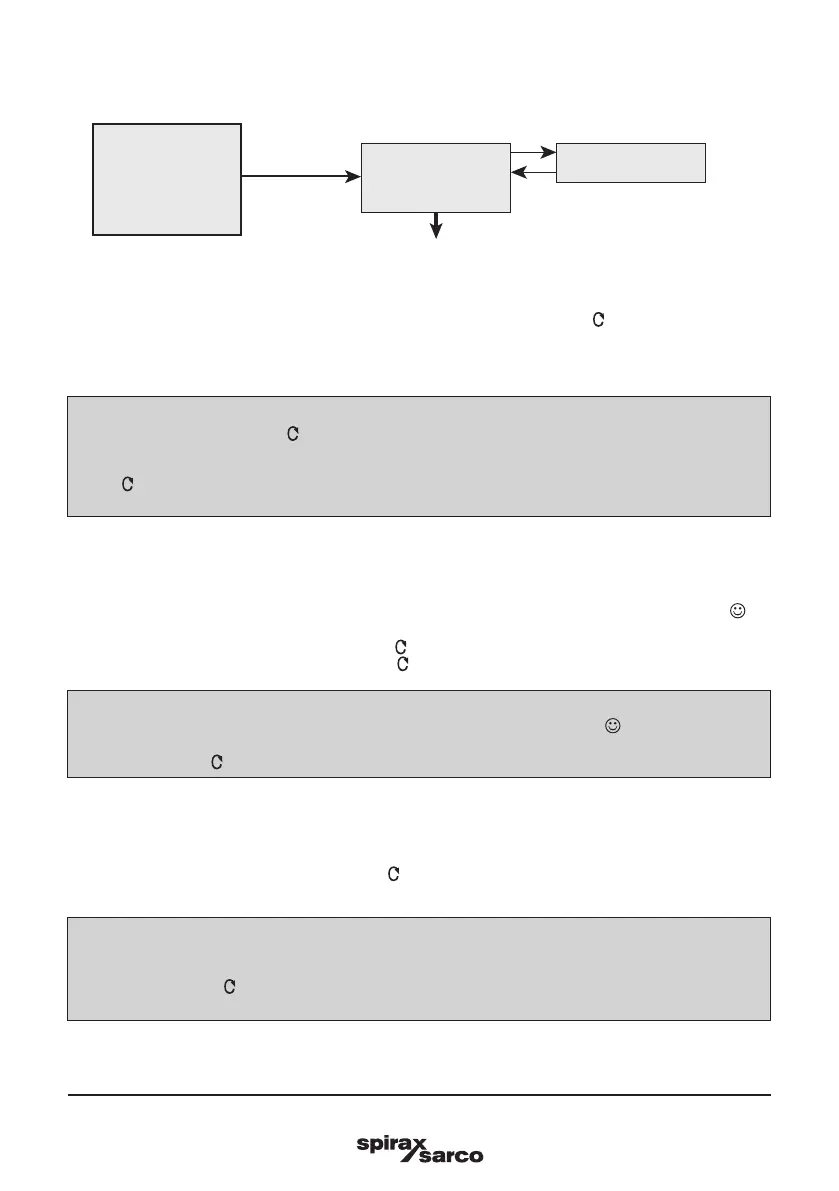
9.6 RUN - automatic operation
mA INPUT
AUTO
OPERATION
(% TRAVEL)
RETURN
(To SP400 MENU)
RUN
Fig. 43



 To Next Page