Base Unit User Guide Issue 1 Tech-X Flex™
1-14 1: Introduction
Intro
Wi-Fi
10/100
System
IP/Video
Specs
1. Using the function keys or the touchscreen, select the correct menu/interface.
2. Using the up/down arrows, number pad, and/or touchscreen, select the desired menu item and
possibly submenu items to activate the desired function/test.
3. For tests that require input parameters, adjust those parameters as necessary, using the navigation
arrows and/or touchscreen. For free-form text entries, place the cursor in the field and press any
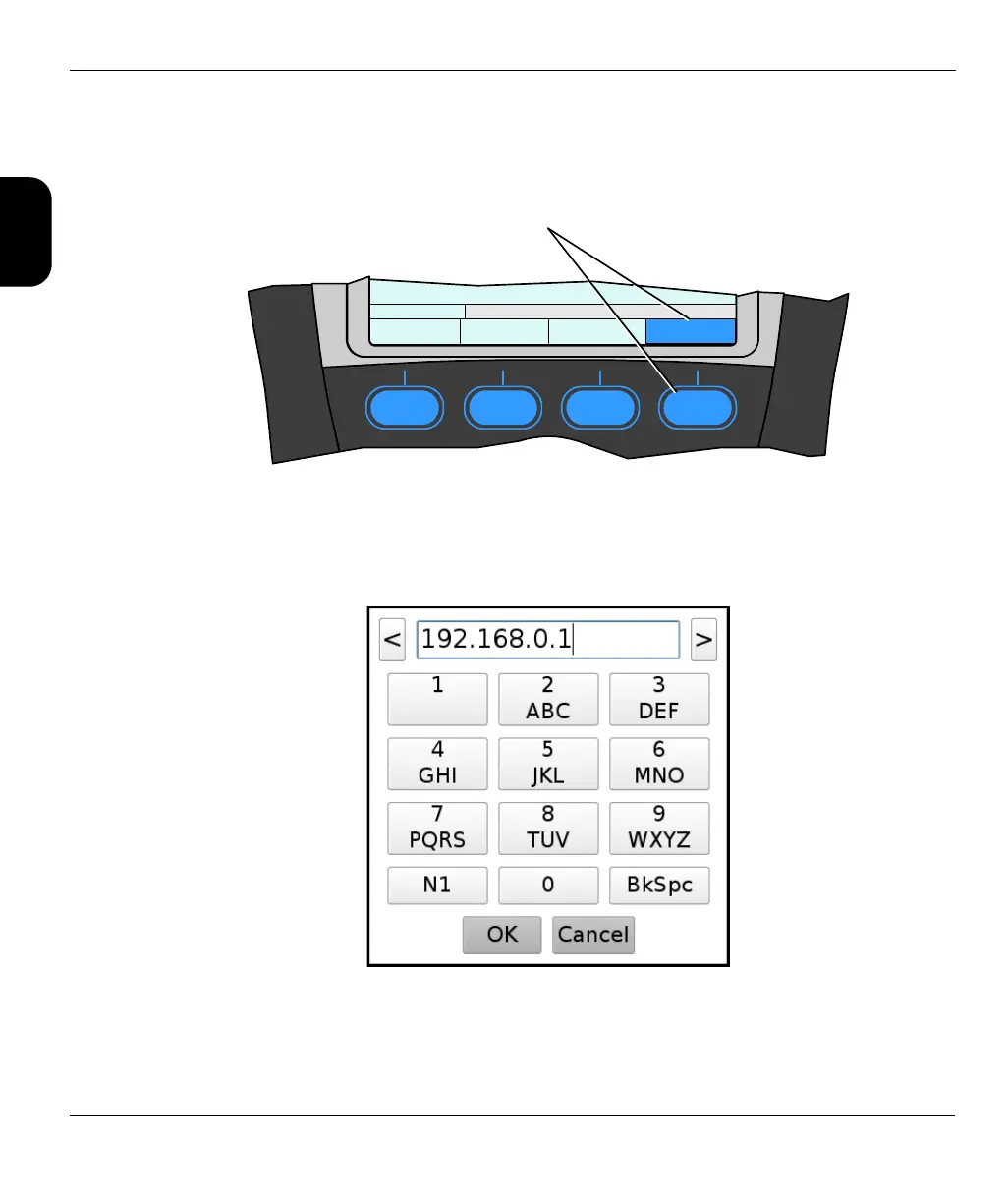
number key to produce the text entry window:
Using the touchscreen and/or the number keys, enter the desired data. Note the following:
F1 F2 F3 F4
8: Wireless ON/OFF
MoCA Wi-Fi 10/100 System
A function key selects the
function/test/menu directly above



 To Next Page