Tech-X Flex™ Base Unit User Guide Issue 1
4: System Menu 4-1
4: System Menu
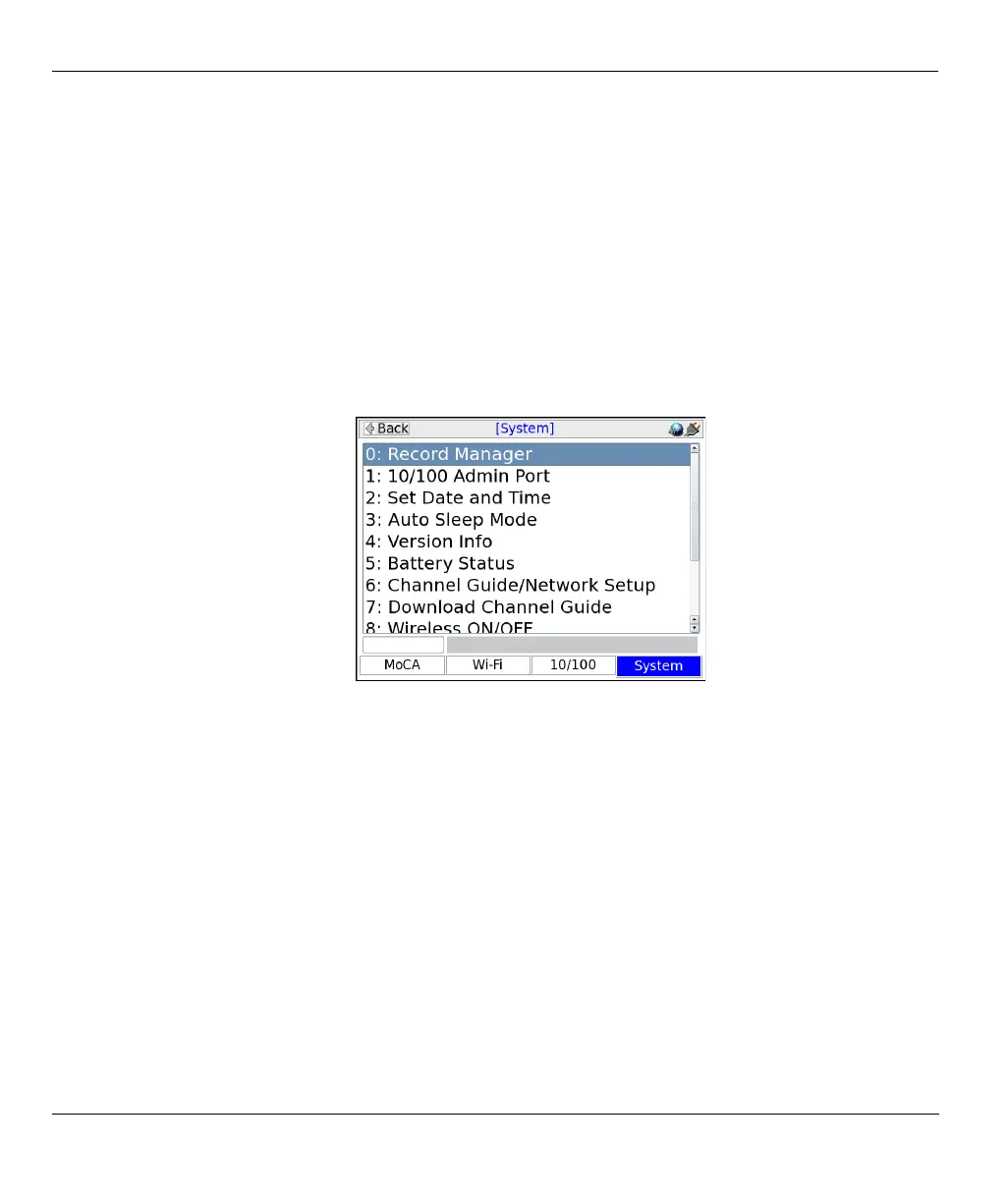
The System menu provides access to general system configuration.
Figure 4-1 System main menu
4.1 Record Manager
Select System > Record Manager.
The Record Manager is used to create, delete, and view record files, which are special files used to store
test results. When you invoke the “Save” function in a results screen, they are saved to a record file. For
non-continuous, self-terminating tests, the full results set is saved at the end of testing. For continuous
tests, you can control when saving is active, during which time a full results set is saved following the end
of each reporting interval.
At any given time, a single record file is considered the active file, which is where results are saved when
you invoke the Save function. If you have never created any record files, the unit uses a “DEFAULT”
record file until you specify otherwise. If you do not have the need for multiple record files, the default
record may be sufficient for general use.



 To Next Page