Tech-X Flex™ Base Unit User Guide Issue 1
2: Wi-Fi Testing Menu 2-1
2: Wi-Fi Testing Menu
Wi-Fi testing on the unit includes:
• Scanning for available wireless access points
• Connecting to an existing network and obtaining IP information
• Basic network-level testing such as ping, traceroute, and web browsing
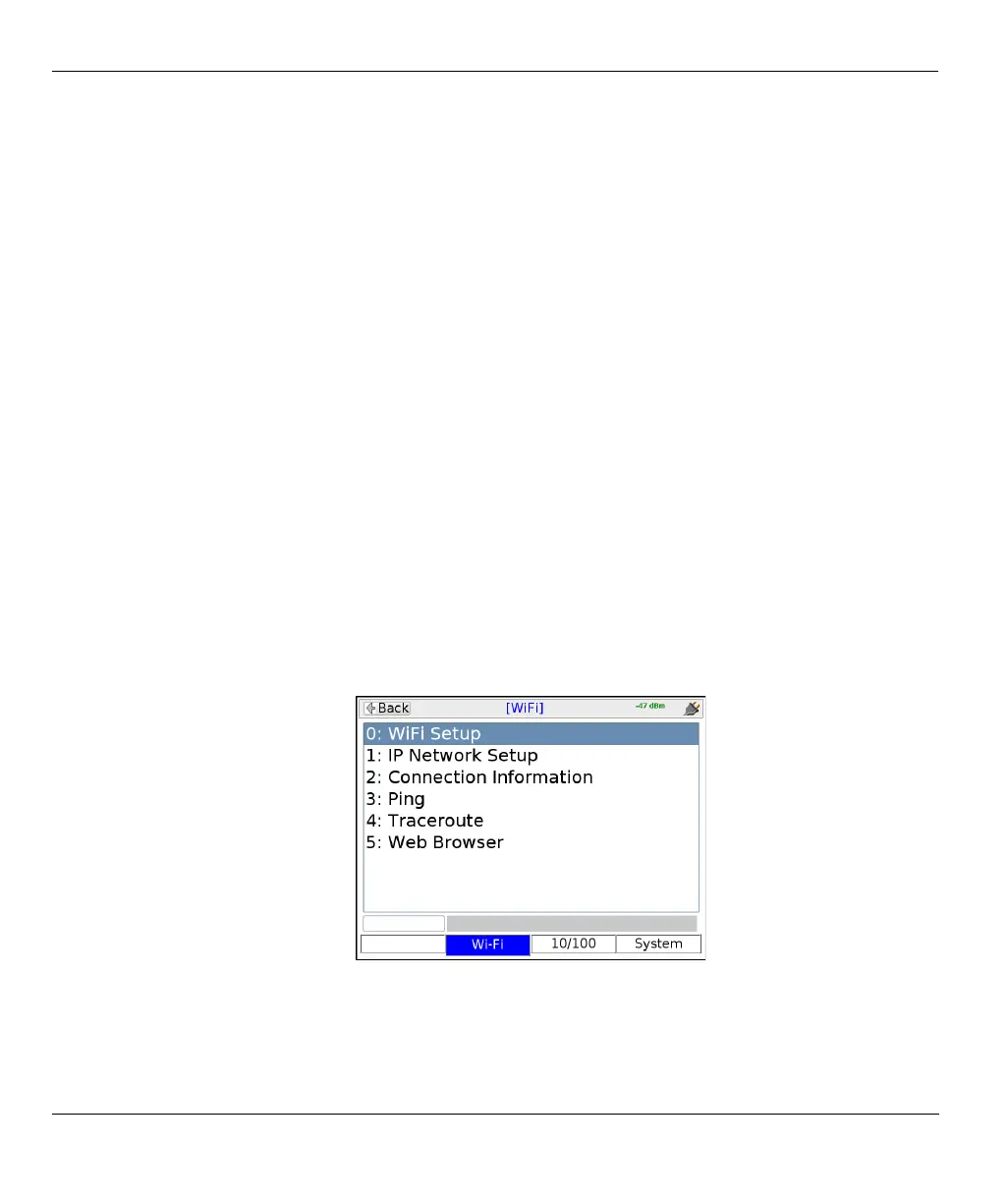
All Wi-Fi testing is performed from the Wi-Fi menu. When this menu is active, all testing uses the Wi-FI
interface only. That is, no other interface will process test requests.
NOTE: You must have a Wi-Fi connection established before any other Wi-Fi functions become
available. Furthermore, when you leave the Wi-Fi menu, the Wi-Fi interface is shut down and
the existing connection, if any, is dropped, unless you have the unit configured to keep the
interface active. For more information, see Wireless ON/OFF on page 4-9.
Figure 2-1 Wi-Fi main menu



 To Next Page