Tech-X Flex™ Base Unit User Guide Issue 1
2: Wi-Fi Testing Menu 2-9
Intro
Wi-Fi
10/100
System
IP/Video
Specs
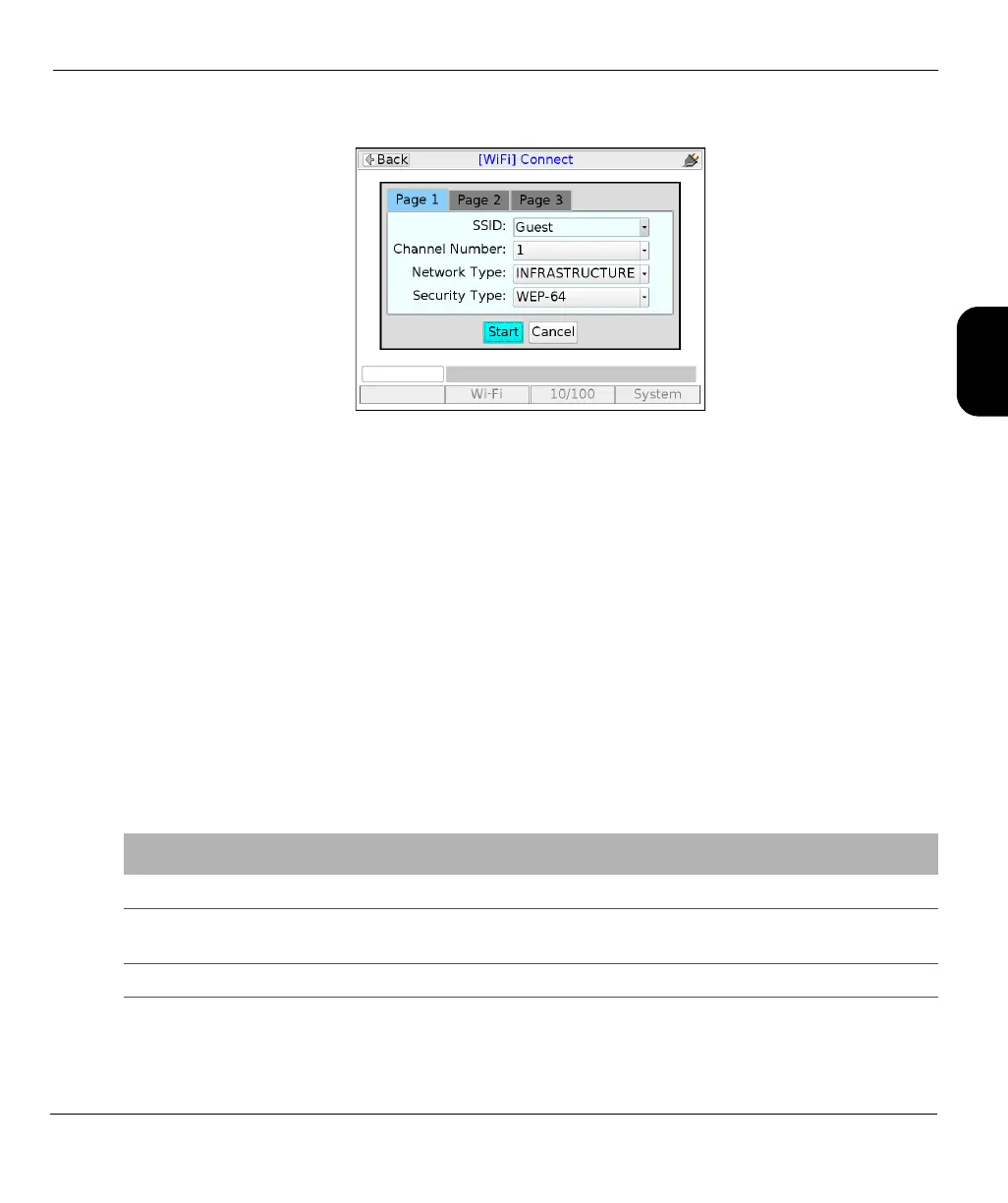
Figure 2-4 Wi-Fi Connect parameters (Page 1)
Results - Connect (Wi-Fi Setup)
The unit reports whether the connection was successful or not. If the connection is successful, the SYNC
LED lights as solid green. If the connection failed and you don’t know why, see If you cannot connect
(troubleshooting tips) on page 2-3.
NOTE: After connection, you must obtain an IP address if you want to do any IP-based testing. For
more information, see IP Network Setup on page 5-1.
2.3.3 Wi-Fi Setup > Details
This function reports the details of the currently-active Wi-Fi connection. Results include:
Table 2-4 Details (Wi-Fi Setup) - Results
Result Description
SSID (Service Set Identifier) Network name, as configured in the wireless router.
MAC Address The hardware address of the physical interface at the wireless access point. This
should be a unique identifier of the hardware.
Mode Network type, normally MANAGED. Adhoc networks are not supported.



 To Next Page