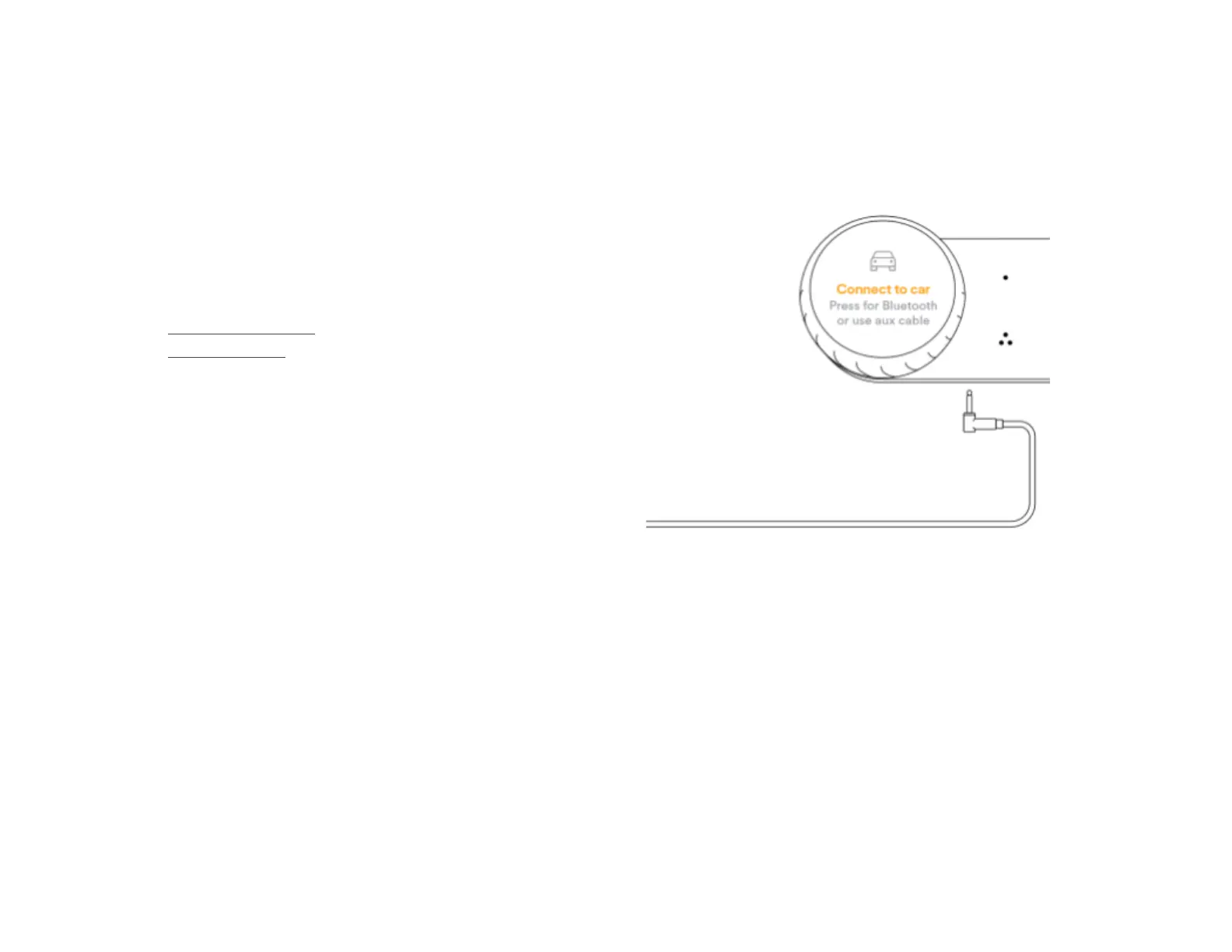
Connect to the car’s media
system
You can connect Car Thing to the car’s media system in the
following ways:
● With the aux cable.
● With Bluetooth.
Once Car Thing is connected to the car’s media system, it can
play music through the car’s speakers.
It’s possible to have both aux and Bluetooth connected at the
same time. Music is then played via the aux connection. If you
disconnect the aux cable, the Bluetooth connection is used
instead.
Can’t hear the music?
● Try turning the volume up on the car’s media system.
Sometimes the car’s aux or Bluetooth mode is on a
different volume level to other radio modes.
● Check that the car’s media system is set to the mode
you want to use (aux or Bluetooth).



 To Next Page