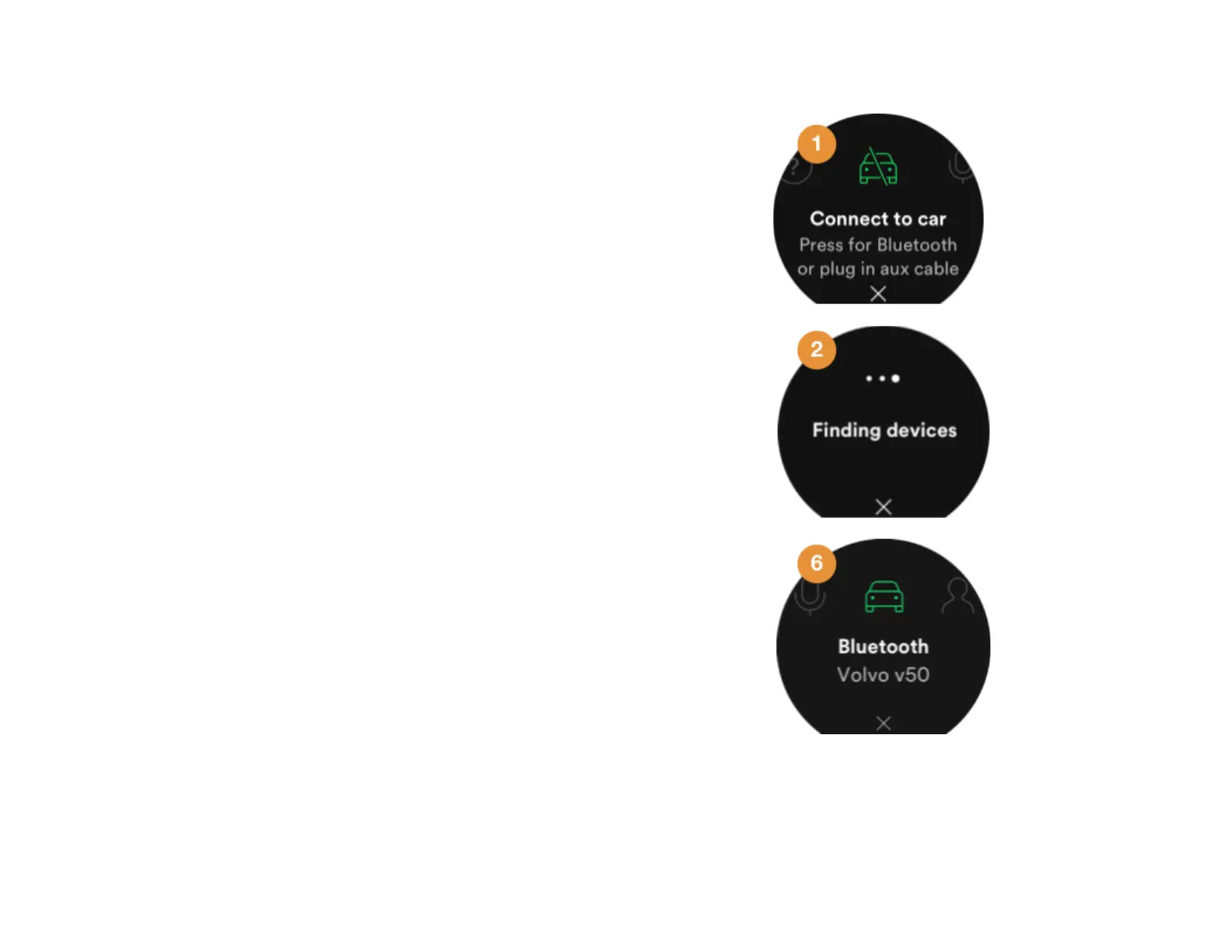
Pair from the car’s media system
Follow these instructions if you want to establish the
connection from the car’s media system.
1. On Car Thing, go to Settings > Connect to car .
Note : If no car connection is found when you start the
device, you’re automatically taken to this page.
2. Press the center of the screen. This will make Car
Thing discoverable for other Bluetooth devices (it
remains discoverable until you exit Bluetooth settings).
3. Go to your Bluetooth settings in your car’s media
system and set it to search for other Bluetooth
devices.
4. When the car has found one or more available devices
they are displayed in a list.
5. Select Car Thing in the list of available Bluetooth
devices.
Note! The car’s media system might ask you to input a
code at this stage, if it does enter the code 0000.
6. The car’s media system will pair to Car Thing. Your car
will be shown as your car connection when you go to
Settings > Connect to car .



 To Next Page