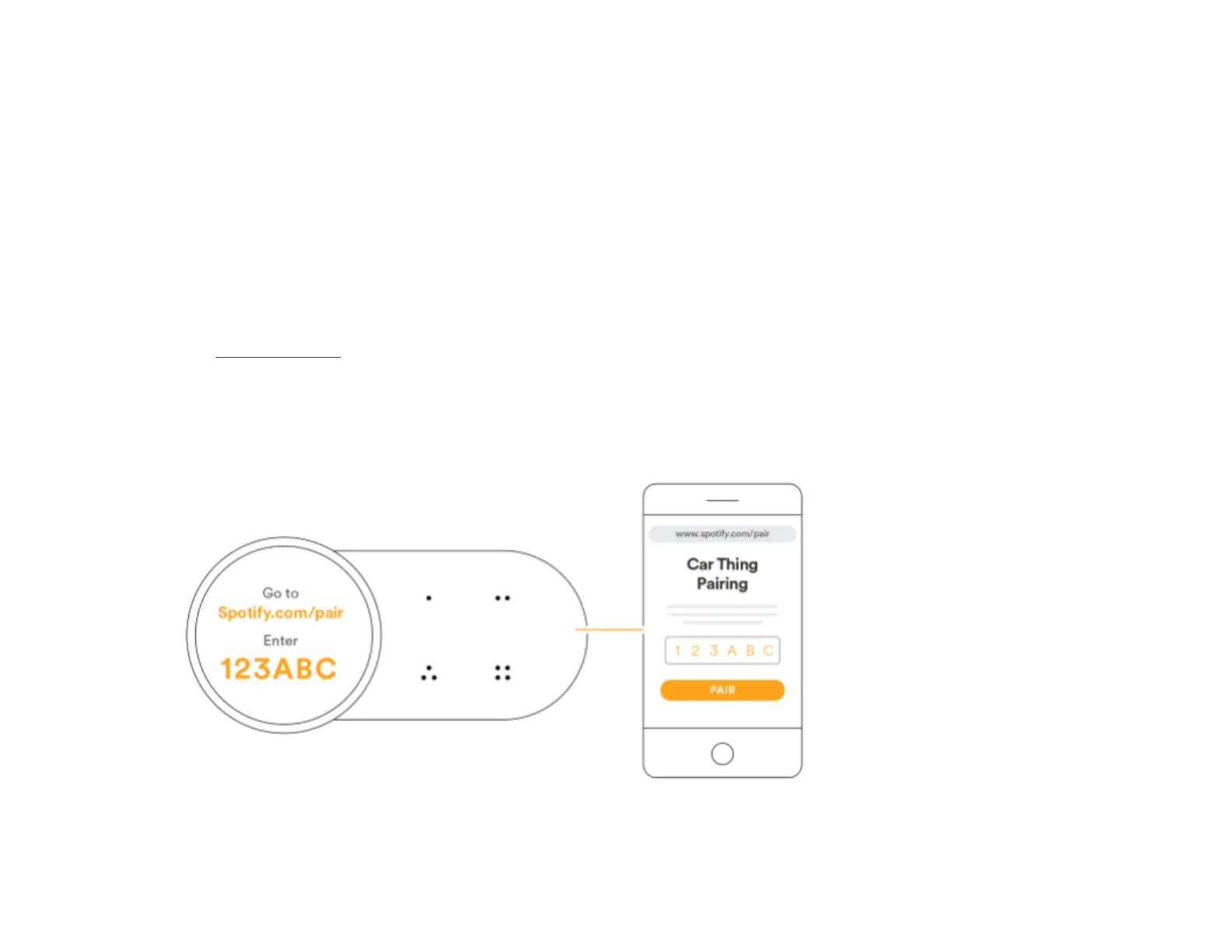
Link account
To play music on the device, you need to link your Spotify
account to it.
Note: Use a mobile device with an internet connection and a
browser, such as a phone or tablet, to perform this.
1. Go to Spotify.com/pair .
2. Enter the email address and password for your
account.
3. Enter the code that appears on Car Thing’s screen.
4. Tap Pair to confirm.
27



 To Next Page