What can I ask Car Thing to
do?
This is a list of common things you can ask Car Thing to do.
Be aware that the list doesn’t cover everything you can ask.
Remember! Always start out by saying “Hey Spotify” or press
and hold the center of the screen to get the device to listen
before asking it to do something.
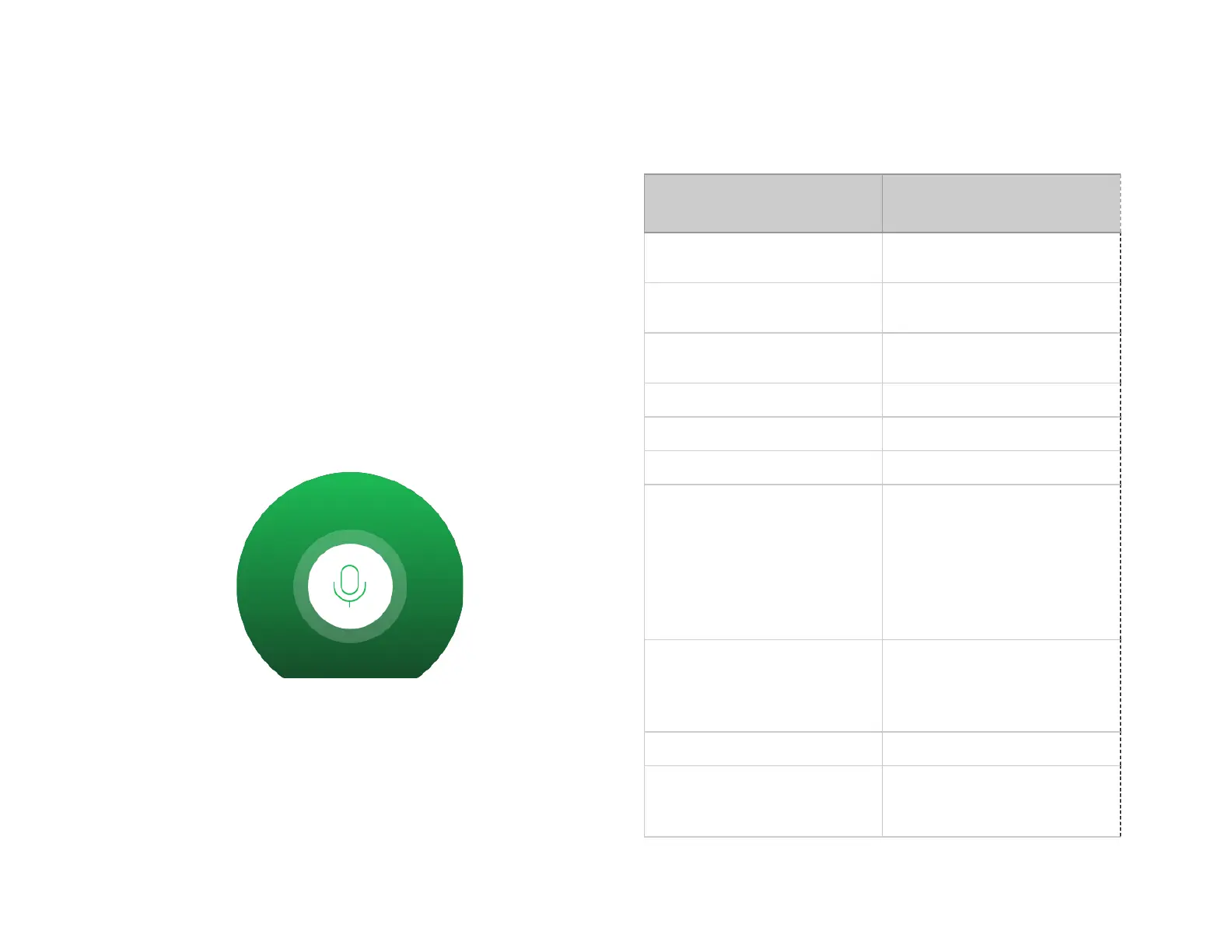
The screen needs to look like this when you ask something!
Play music (and podcasts)
...play.
...start playing.
...play {song}.
...play {song} by {artist}.
...play {album}.
...play {album} by {artist}.
...play {playlist name}.
...play
{mood/genre/topic/decade}
music.
(For example: “Play happy
music”, “Play pop music”, “Play
summer music” or “Play 80s
music”).
...play the top {number of top
hits}.
...play {country} top {number of
top hits}.
Play more songs like this
...play more like this.
...play {artist} Radio.
...play {song} Radio.
...play {album} Radio.



 To Next Page