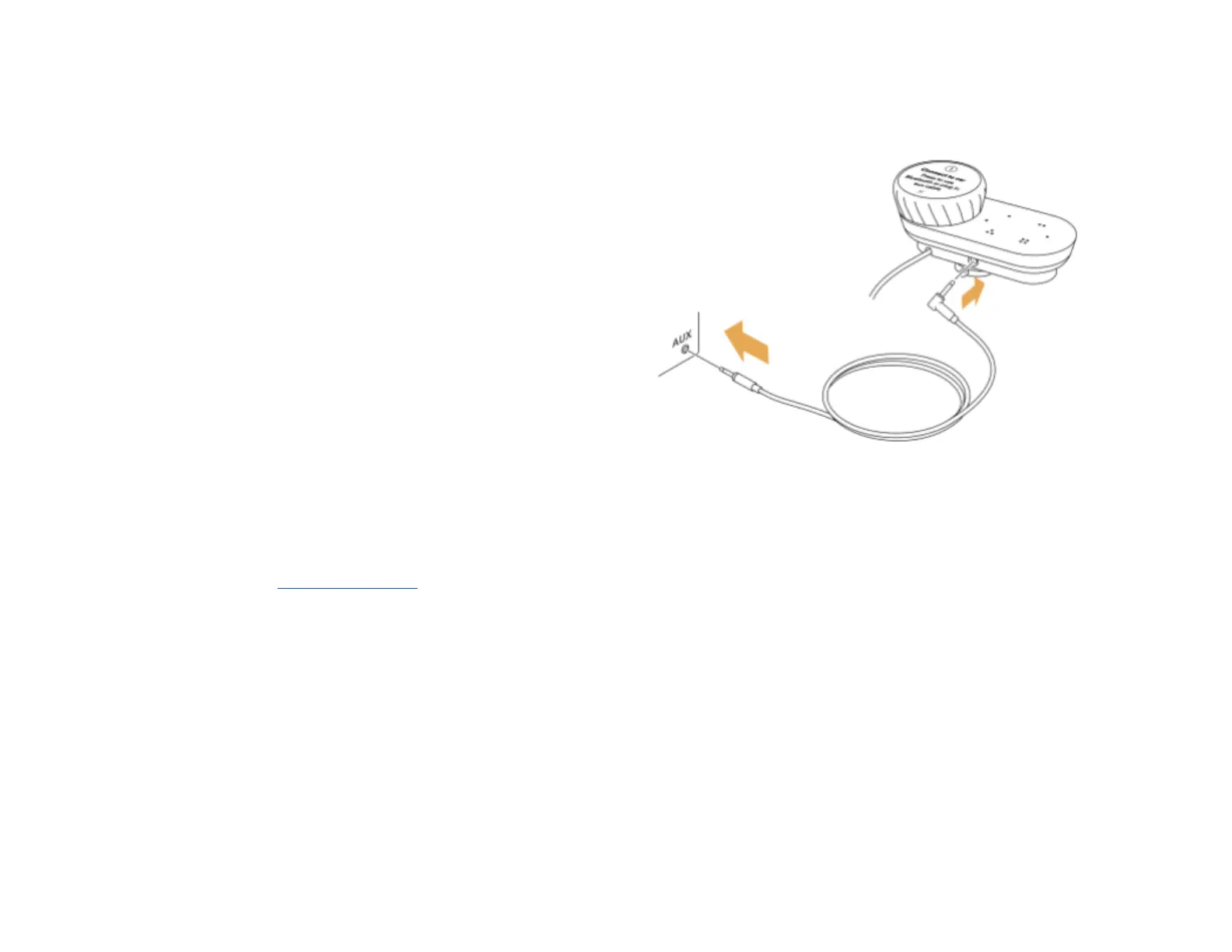
Connect with the aux cable
The provided aux cable is an easy way to connect Car Thing
to the car’s media system through the aux port.
Note : Not all cars have an aux port. Refer to the car’s user
manual for information about whether it has an aux port,
where it’s located and instructions on how to set aux mode.
1. Plug one end of the aux cable into the aux port in the
car.
2. Plug the other end of the cable into the aux port on the
dock.
3. Set the car’s media system to aux mode.
4. On Car Thing, go to Settings > Connect to car and
ensure that aux cable as the current car connection.
Note : If no car connection is found when you start the
device, you’re automatically taken to this page.
Important! Go to the Safety information for more information
about how to set up the device safely.



 To Next Page