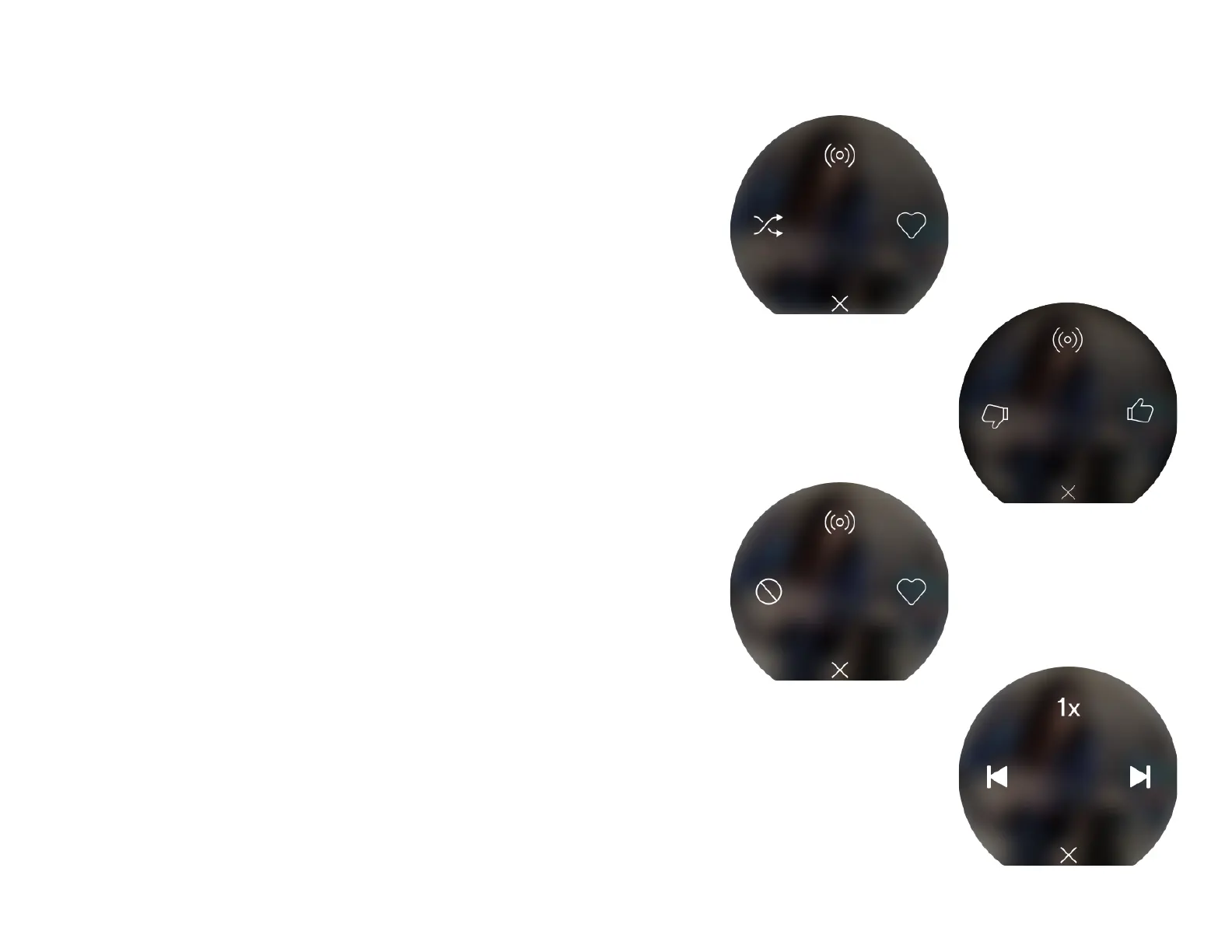
For albums, artists, and playlists:
● Press up to start Radio. This starts a playlist of similar
songs to what’s currently playing.
● Press right to like the song - saves to Your Library .
Press right again to remove from Your Library .
● Press left to Dislike - you will skip ahead to the next
song and it won’t be played again in this mix.
● Press down to return to Now Playing .
For Daily Mix:
● Press up to start Radio. This starts a playlist of similar
songs to what’s currently playing.
● Press right to like the song - saves to Your Library .
Press again to remove from Your Library .
● Press left to turn Shuffle on/off . .
● Press down to return to Now Playing .
For Spotify Radio:
● Press up to start Radio. This starts a playlist of similar
songs to what’s currently playing.
● Press right to like the song - this informs the Radio to
play more songs like this one.
● Press left to dislike the song - this will inform the Radio
to not play more songs like this one.
● Press down to return to Now Playing .
For podcasts:
● Press up to change the speed.
● Press left to go to the previous episode.
● Press right to go to the next episode.
● Press down to return to Now Playing .



 To Next Page