7
3. Switching on and getting started
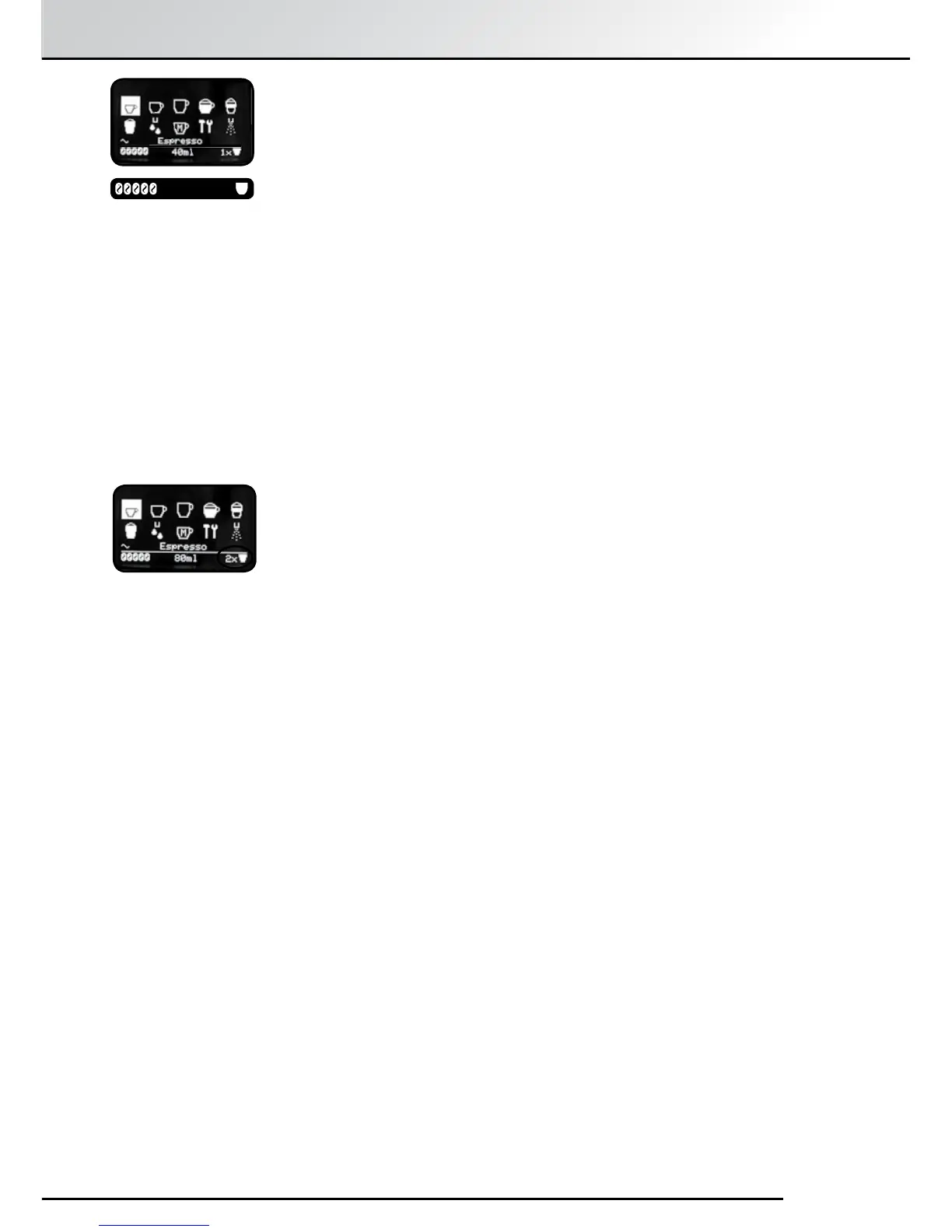
To brew two cups of coffee one after the other, press the Rotary Control
Knob twice in quick succession when starting the brewing process.
Another method is to press the “>” Button until the 1x/2x icon below the
display bar is highlighted and then use the Rotary Control Knob to select
“2x”. Press the “Exit” Button to save the setting.
Two consecutive grinding processes will automatically occur. If the water
or bean supply runs out, or the trays have to be emptied after the first
grinding process, you will be notified on the Display Screen and the second
cup of coffee will not be brewed.
Follow the message on the Display Screen and then press the Rotary
Control Knob once to brew the second cup of coee.
3.4 Instructions for brewing two cups of coee
While the brewing cycle is in process, the icons below the bar on the
display will ash. Turning the Rotary Control Knob will change the setting
of the ashing icon. At any stage the process can be aborted by pressing
the “Exit” Button next to the Rotary Control Knob. For instance, if the cup
size does not correspond to the capacity of the cup under the Spout, press
“Exit to stop it overowing.
Hint: You may notice a delay between the grinding and dispensing
of coee when making milky drinks. This extra time is for the
Cappuccinotori (Milk Frother) to heat up in order to prepare warm,
rich and creamy milk.
After a set amount of time, the machine reverts to energy saving mode.
“Save Energy” is displayed on the display panel. Touching any control will
immediately bring up the Main Menu again.
40ml 1x
“BAR”


 To Next Page