12
5. The Settings Menu
5.2 Operating the machine with or without the Filter
Operating the machine with a Filter:
A Claris Filter and an Assembly Tool are supplied with the machine as
accessories. If you use this Filter, you will not have to descale your machine
as often. However, using the Filter is only an option and will depend on the
water quality in the your area.
“Filter inserted?No” is the default setting. You must set the filter setting to
“Filter inserted?Yes”.
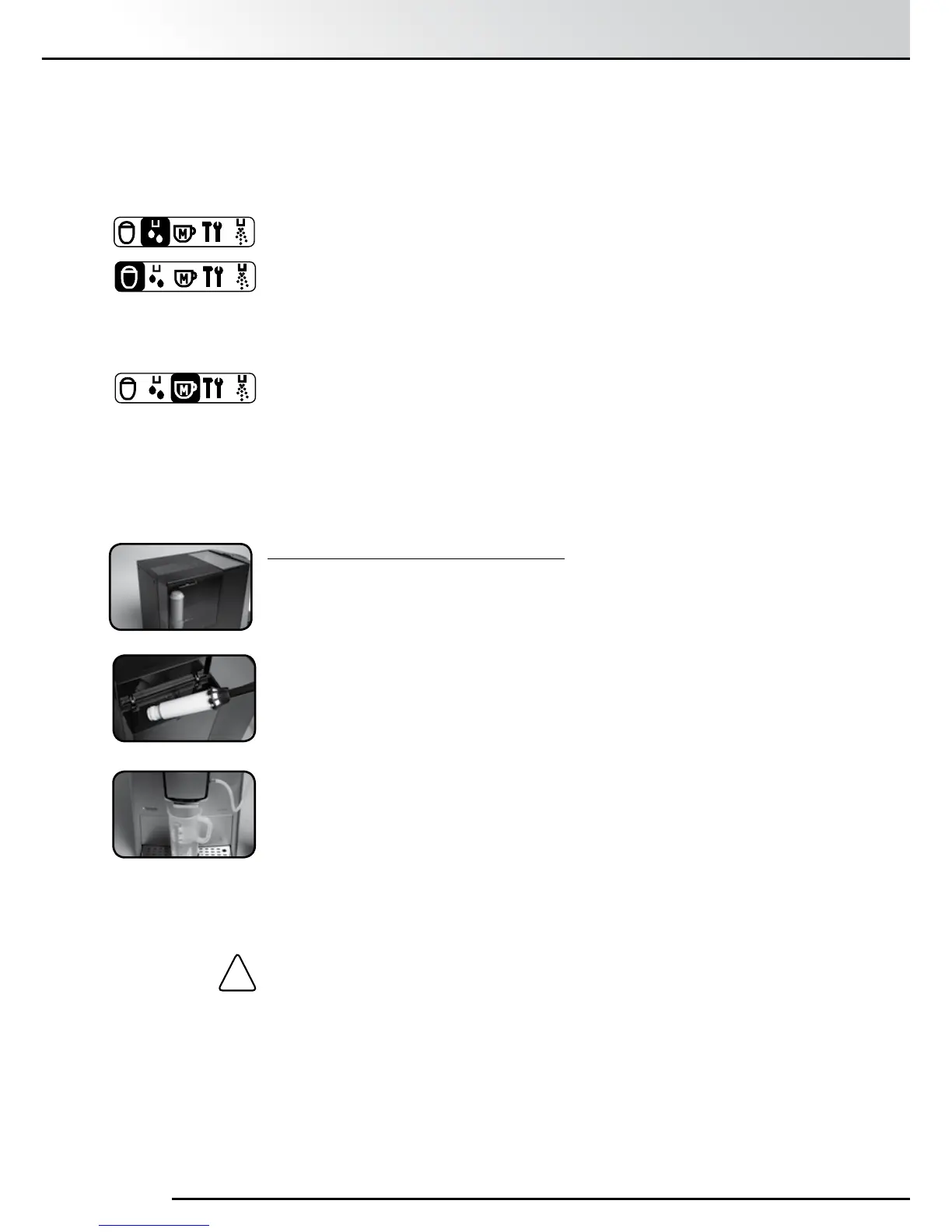
Highlight and select “Filter” with the Rotary Control Knob
Turn the Rotary Control Knob to select “Insert Filter? Yes”, so that the
machine knows that the Filter is being inserted.
Press the Rotary Control Knob. The message, “Insert Filter”, appears on
the Display Screen.
Empty the Water Reservoir and carefully screw the Filter into the holder
provided in the Water Reservoir using the Assembly Tool on the end of
the Measuring Spoon.
Caution: Do not overtighten as it could snap off.
Fill the Water Reservoir with fresh water and put it back into the
machine.
Place a receptacle with at least 0.5ℓ capacity under the spout and
slightly to the left and press the Rotary Control Knob.
The message “Rinsing Filter” appears on the display screen.
• Amount Frothy milk: The amount of milk in millilitres. Changing this will
not affect the Amount Total but will change the
Prop coffee.
• Temperature: Normal, High, Maximum.
Hot Water: Used for making tea for instance. Has no settable items.
Warm Milk: Two items can be changed.
• Amount total: The amount of hot water and milk together.
• Prop. Frothy milk: The amount of milk in the mixture expressed as a
percentage from 0% to 87%
My coffee: Can be set to brew any of the classic coffees or milky coffees.
To return to the Main Menu select “Exit” or press the “Exit” Button.
!


 To Next Page