15
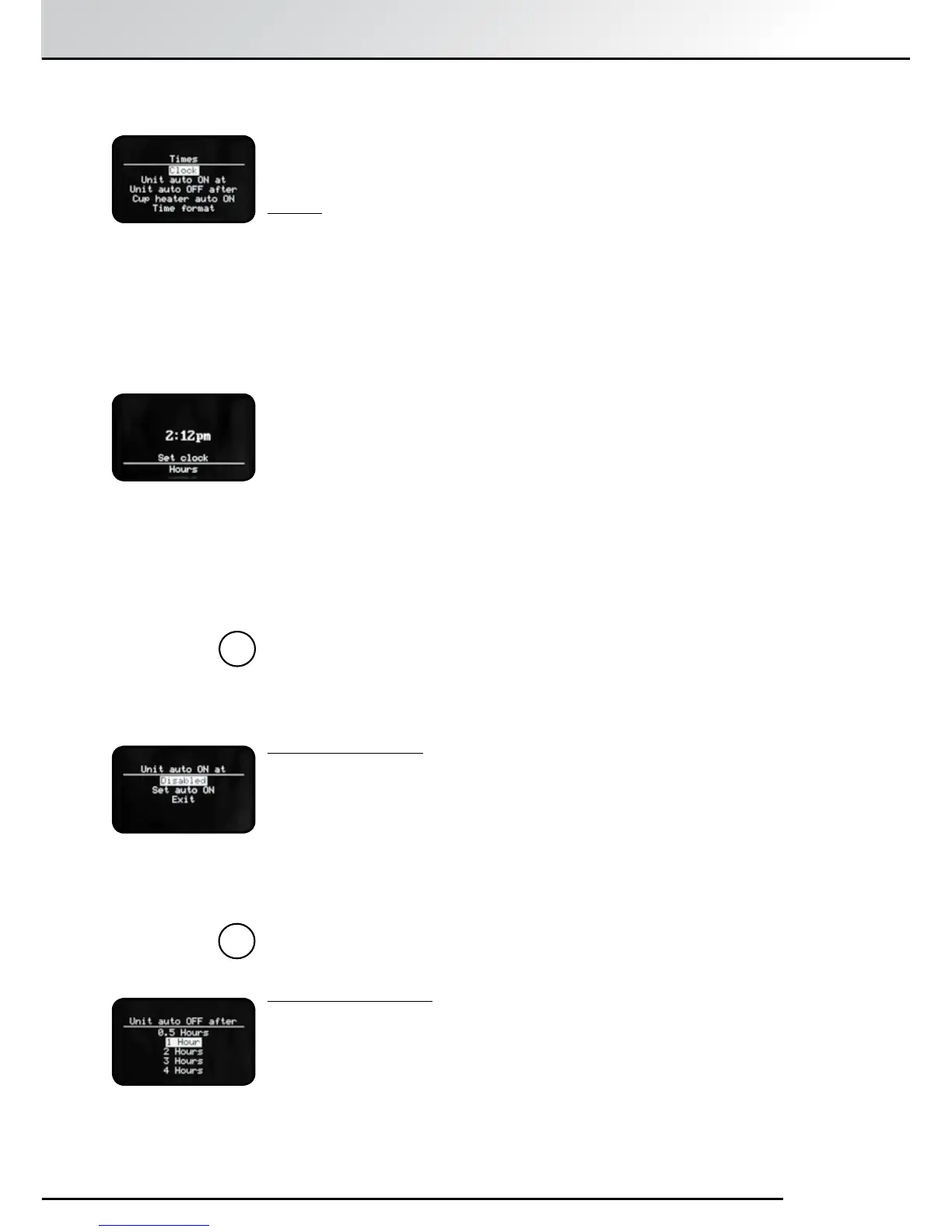
“Time” is a versatile method of controlling the The SPRADA One Touch.
There are a number of options in this menu which must be set in sequence.
Clock:
Options are “Disabled” or “Set Clock”.
“Disabled” disables all Clock Functions and a small on/off icon will appear
on the Display Screen when the SPRADA Future OTC is in Standby mode.
To disable, scroll down to the option with the Rotary Control Knob and
press to select.
Select “Exit” to return to “Times” menu.
“Set Clock”: When this is set, the time will be displayed when the SPRADA
One Touch is in Standby mode.
Select by pressing the Rotary Control Knob.
The “hours” display flashes.
Set to current hours with Rotary Control Knob. Press to select.
The “minutes” display flashes.
Set the current minutes and press to select.
The display returns to the “Times” menu to confirm that the clock has been
successfully set.
Note: Once the clock time has been set, it will appear on the display
screen when the machine is in standby mode. If the clock time has
not been set, the on/off symbol will appear on the display screen in
standby mode.
“Unit Auto ON at”:
The SPRADA One Touch can be programmed to switch itself on every day
at a set time.
Select either “Disabled” or set the time at which you wish the machine to
come on automatically using the same method as detailed above.
Press Rotary Control Knob to confirm selection.
The display will return to the “Times” menu automatically when the Auto
ON has been successfully set.
Note: If you Select “Disabled” you must “Exit” to return to the “Times”
menu.
Unit Auto OFF after:
Select with the Rotary Control Knob from 0.5 hours to 12 hours.
Press Rotary Control Knob to confirm selection.
Display will return to “Times” menu when the Auto OFF has been
successfully set.
5.5 Setting Time and Timer Functions
i
5. The Settings Menu
i


 To Next Page