Settings 144
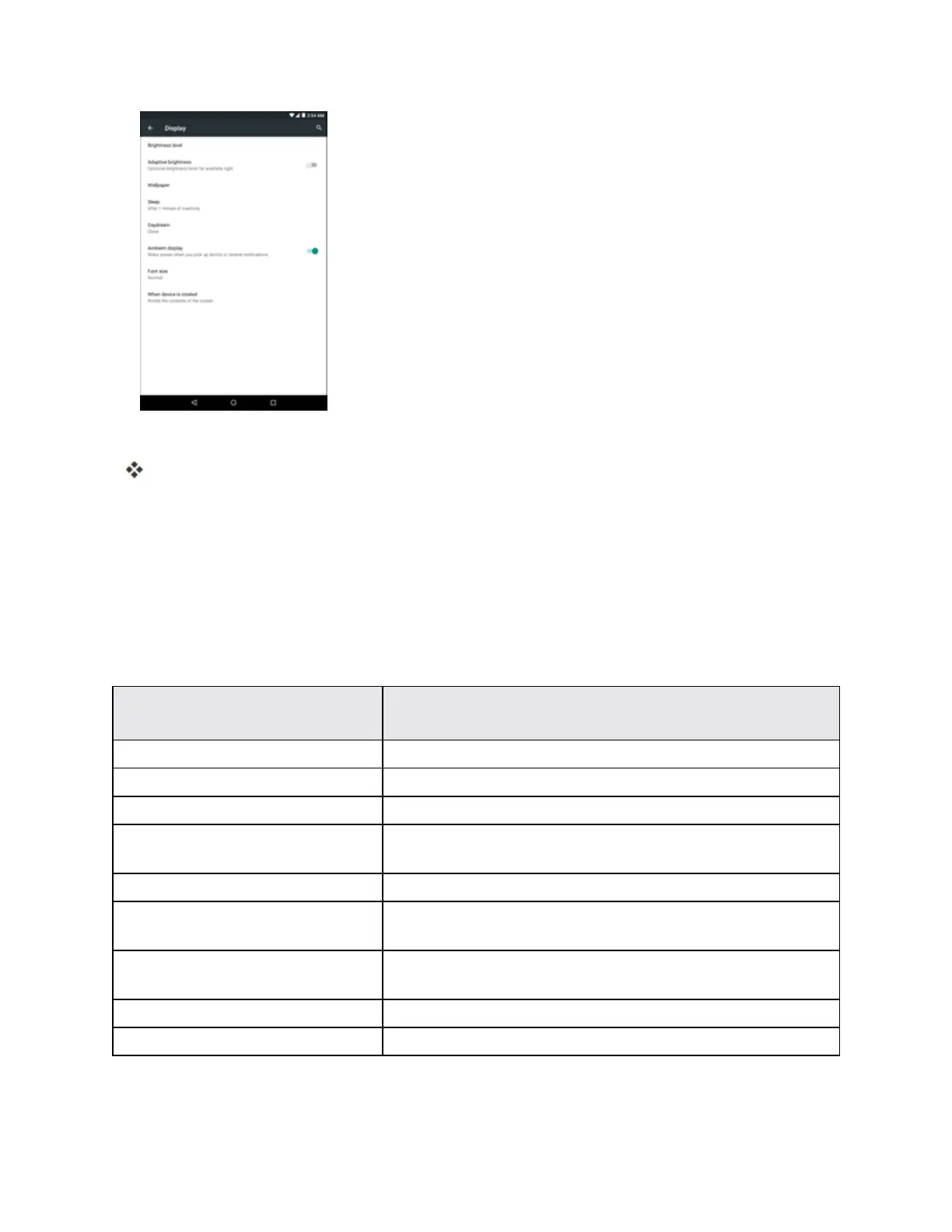
3. Setyourdisplayoptions.
Yourdisplaysettingsaresavedandapplied.
Sound and Notification Settings
TheSoundandnotificationsettingsmenuletsyoucontrolyourtablet’saudio,fromringtonesand
alertstotaptonesandnotifications.
Sound and Notification Settings Overview
TheSoundandnotificationsettingsmenuallowsyoutoconfigurethefollowingoptions:
Sound and Notification
Setting
Description
Media volume Setvolumeformediaplayback.
Alarm volume Setvolumeforalarms.
Notification volume Setvolumefornotifications.
Interruptions Configuretheinterruptionssettings,includingthepriority
interruptionsanddowntime.
Default notification ringtone Setatonefortheringtonefornotifications.
Other sounds Setatonewhenlocking/unlockingthescreenortappingthe
screen.
When device is locked Managewhetherthenotificationscanbeseenwhenyour
tabletislocked.
App notifications Managenotificationssettingsindividuallyforeachapplication.
Notification access Viewwhichapplicationcanaccessyournotifications.



 To Next Page