Contacts 56
Edit a Contact
Onceyou’veaddedacontact,youcanaddoreditanyoftheinformationintheentry,assignanID
picture,customizewithauniqueringtone,andmore.
1.
Fromthehomescreen,tapApps >Contacts .
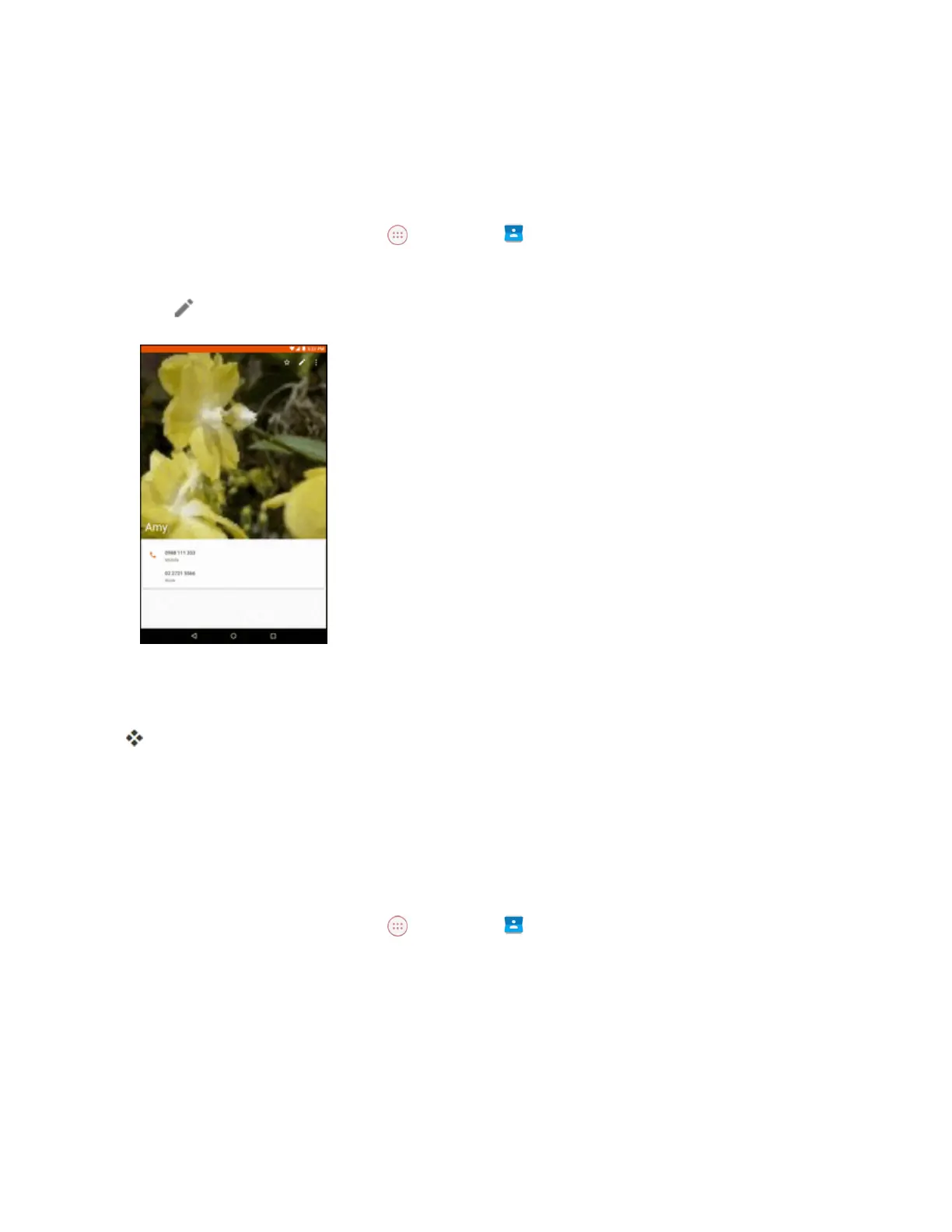
2. Tapacontacttoviewitsdetails.
3.
Tap .
4. Tapanyfieldyouwanttochangeoradd.SeeAddaContact.
5. Addoredittheinformation,andthentapEdit Contact.
Yourchangesaresavedtothecontactentry.
Note:Toselectatype(label)foraphonenumber,emailaddress,orpostaladdress(suchasMobile,
Home,Work,etc.),tapthetypetotherightofthefield.
Delete a Contact
Youcandeleteacontactfromthecontactsdetailspage.
1.
Fromthehomescreen,tapApps >Contacts .
2. Tapacontacttoviewitsdetails.



 To Next Page