Your Tablet Interface 46
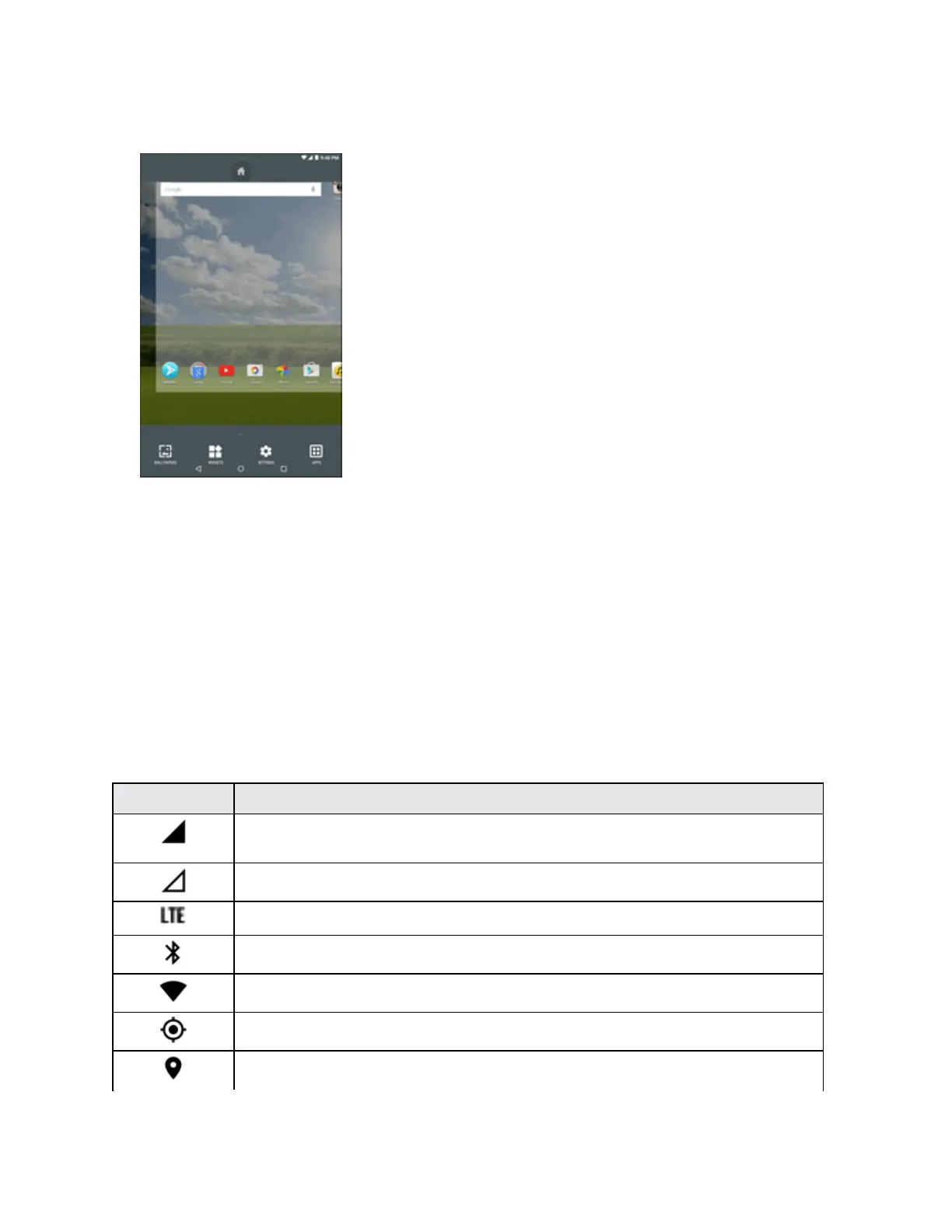
1. Fromanyscreen,tapandholdanemptyspace.
2. Slidethescreenrightorlefttoswitchbetweenscreens.
Status Bar and Notification Panel
Yourtablet’sstatusandnotificationsareavailableataglanceatthetopofthescreen.
Status Bar
Thestatusbaratthetopofthehomescreenprovidestabletandservicestatusinformationonthe
rightsideandnotificationalertsontheleft.Toviewthenotificationpaneloraccessthequicksettings
menu,pulldownthestatusbarfromthetopofthescreen.
Main Status Icons
Icon Status
Signal strength-Showsyourcurrentsignalstrength(themorebarsthereare,
thestrongerthesignalis).
No service-Yourtabletcannotfindamobilenetwork.
Sprint4GLTEdataserviceisavailable.
Bluetooth
®
on-IndicatesthatBluetoothison.
Wi-Fi connected-IndicatesthatWi-Fiisinuse.
GPS active-IndicatesthatGPSisactive.
Location on-IndicatesthatLocationison.


 To Next Page