Your Tablet Interface 49
n Deleting Widgets and Icons:Fromthehomescreen,tapandholdanitemandthendragitto
Remove.
n Displaying the Home Screen Menu:Fromthehomescreen,touchandholdanemptyspace
todisplaythehomescreenmenu.MenuoptionsincludeWALLPAPERS,WIDGETS,
SETTINGS,andAPPS.
Change the Wallpaper
Selectandassignyourtablet’sbackgroundwallpaper.
1.
Fromthehomescreen,tapApps >Settings >Display >Wallpaper.
l Youcanalsoaccessthewallpaperfromthehomescreen.Tapandholdanemptyspace,
andthentapWALLPAPERS.
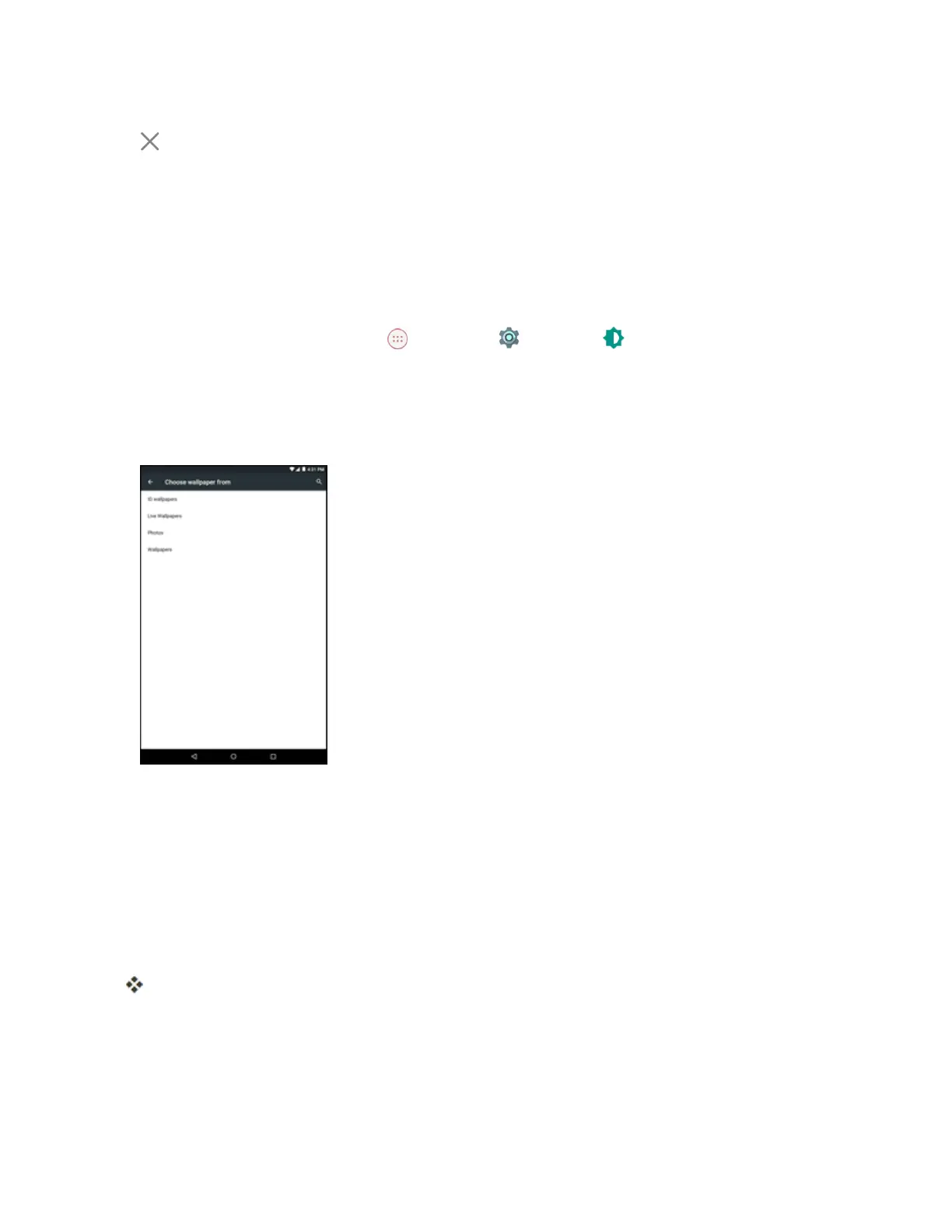
2. Tapanoptiontoselectthewallpaper.
l ID wallpaperstoopentheavailablewallpapersthatwereincludedinyourSprintIDpack.
l Live Wallpaperstoopenalistofanimatedwallpapersinstalledonyourtablet.
l Photostouseapicturesaveonyourtabletasawallpaper.Youcancropthepicturebefore
settingitasawallpaper.
l Wallpaperstouseadefaultwallpaperfromthewallpapergallery.
3. SelectawallpaperandtapSet wallpaper.
Thewallpaperisset.
Add Shortcuts to the Home Screen
Youcanaddshortcutsforquickaccesstofavoriteappsfromthehomescreen.



 To Next Page