Contacts 58
l BluetoothtosendtheinformationviaBluetooth.SeeBluetoothforinformationonpairing
andsendingviaBluetooth.
l DrivetosharetheinformationwithGoogleDrive.
l Emailtosendtheinformationasanemailattachment.SeeComposeandSendEmailfor
detailsonsendingemail.
l GmailtosendtheinformationasaGmailattachment.SeeCreateandSendaGmail
Messagefordetails.
4. Completetherequiredstepsaspromptedfortheselectedmethod.
Theselectedcontactwillbeshared.
Import Contacts
YourtabletoffersacoupleofoptionsforimportingorexportingcontactsfrominstallednanoSIM
cardoryourtablet'sinternalmemory.
Import Contacts from Your Internal Storage
1.
Fromthehomescreen,tapApps >Contacts .
2.
Tap >Import/export.
YouwillseetheImport/exportcontactsmenu.
3. TapImport from storage.
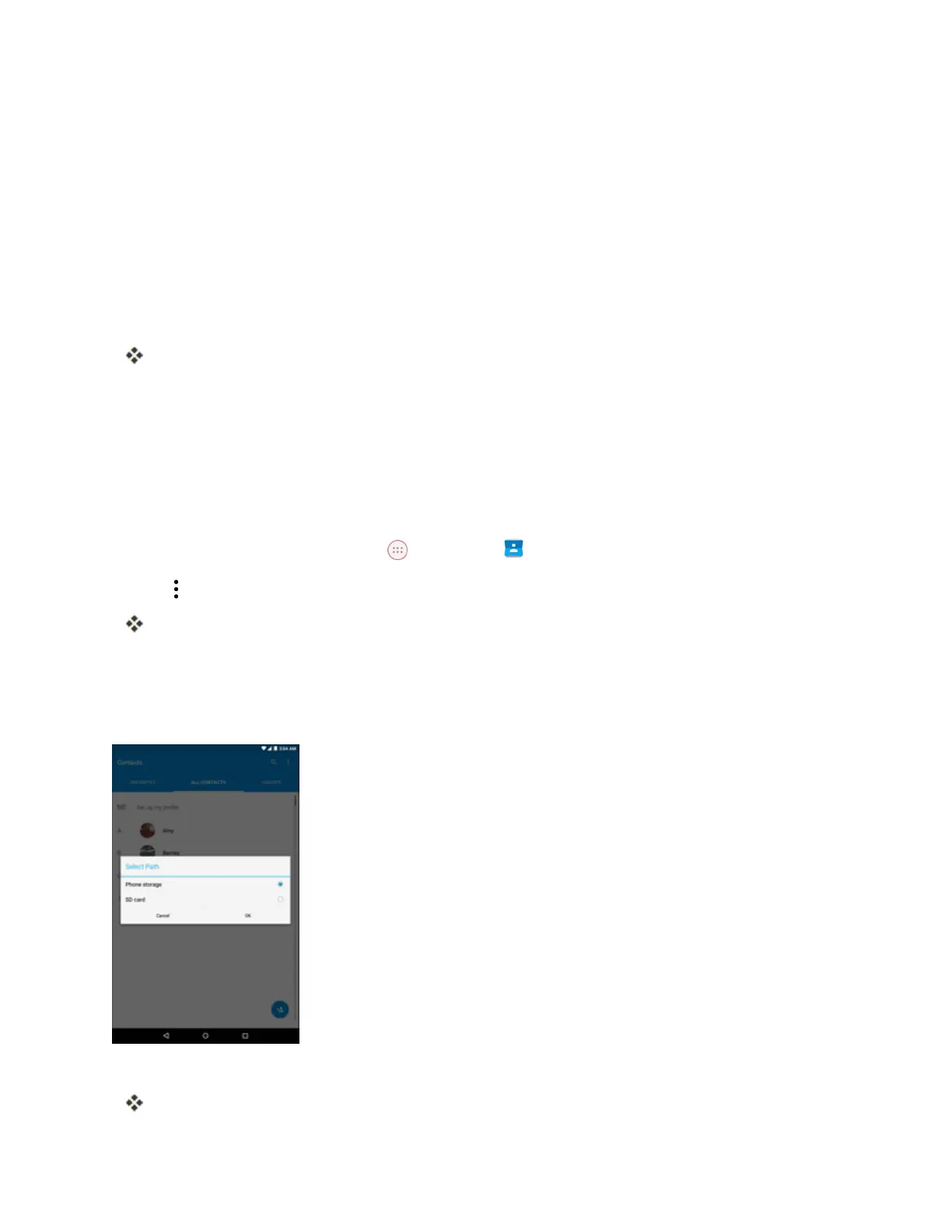
Note:IfthemicroSDcardisinstalled,theSelectPathwindowappearsonthescreen.SelectPhone
storageandtapOK.
4. Followtheonscreeninstructionstocompletetheimport.
Thecontactsareimportedandstoredintheselectedaccount.



 To Next Page