Camera and Video 89
n Viewing Videos:Usetheonscreencontrolstoplay,pause,orstopthevideoplayback.
Note:Whenviewingpictures,youcantouchandholdonapictureorvideotoopenaselectionmenu
andchoosewhattodowiththepictureorvideo.
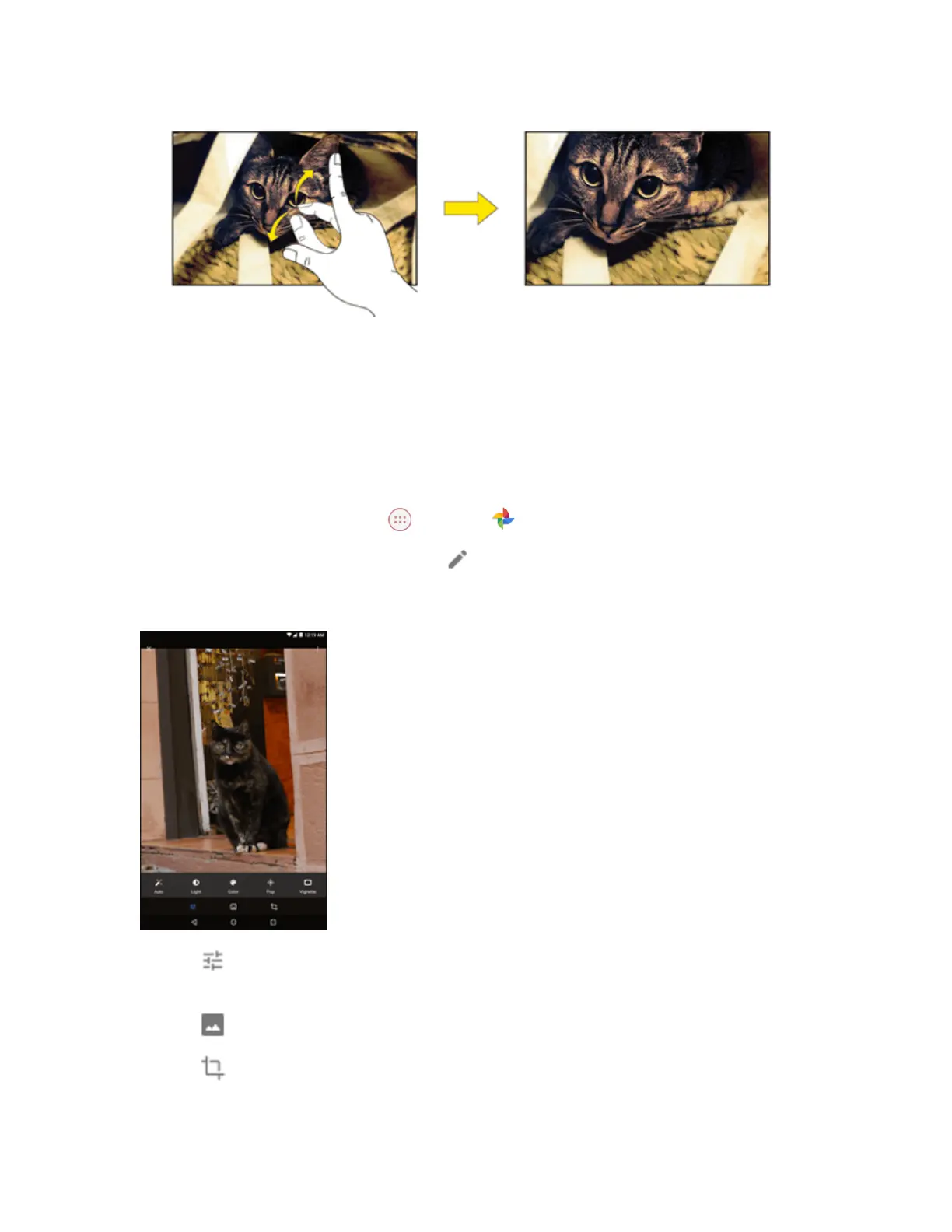
Edit Pictures
Whenviewingthephotoorvideo,youcanedit,delete,orviewthefileinformation.
1.
Fromthehomescreen,tap Apps >Photos .
2.
Selectthepictureyouwanttoeditandtap .
3. Selectoneoftheavailableoptions:
l
Tap toautomaticallyadjustcolorandexposure,manuallychangelighting,manually
adjustcolor,oraddeffects.
l
Tap toaddoradjustafilter.
l
Tap tocroporrotatethepicture.
Tip:Whileediting,youcantapandholdthepicturetocompareyoureditstotheoriginal.


 To Next Page