Get Started 16
o
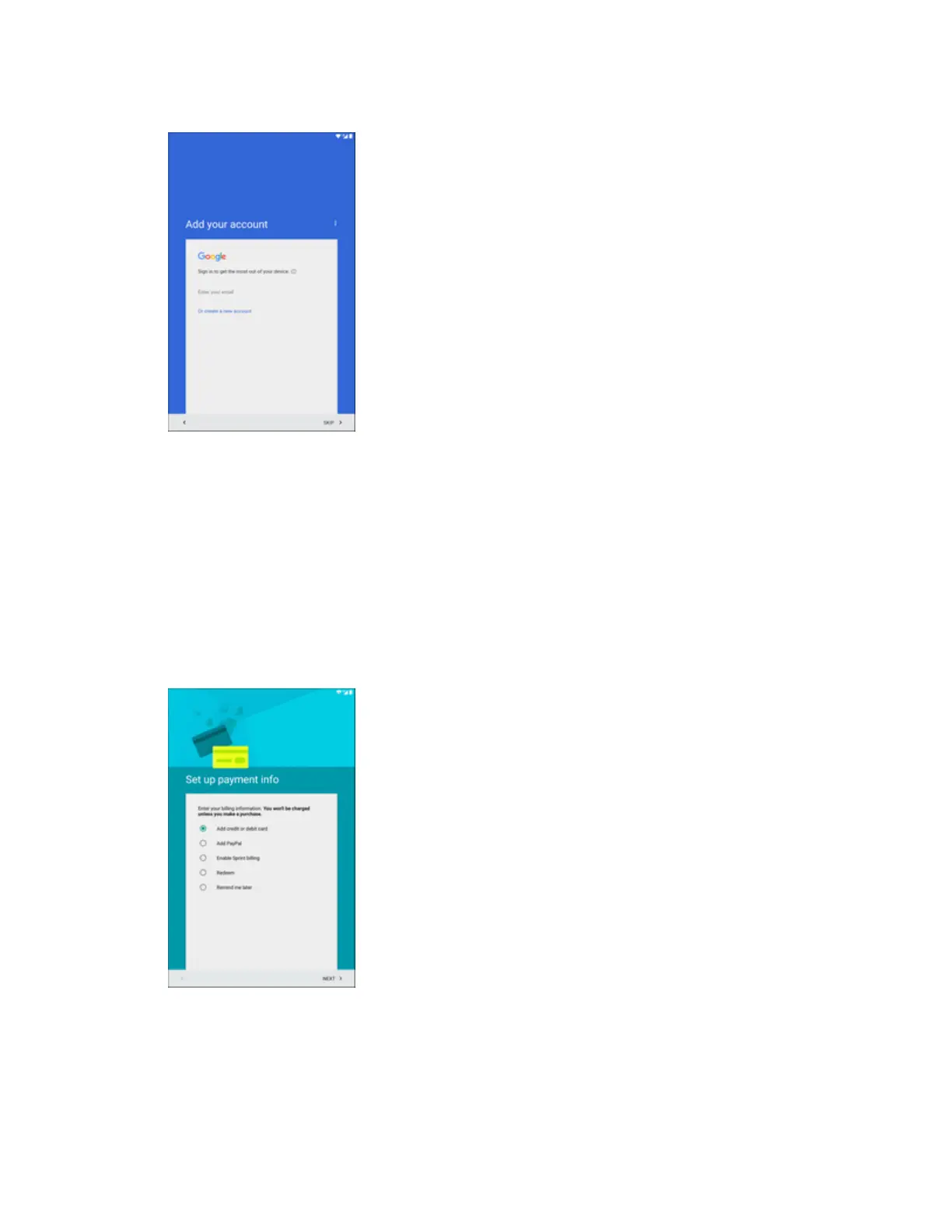
Enter your email–EnteryourGmailaddressandpasswordandtapACCEPTtoagree
tothetermsofserviceandprivacypolicyandsignintoyourcurrentGoogleAccount.
o
Or create a new account–FollowtheinstructionstosignupforanewGoogle
Account.Therewillbescreenstoenteryourfirstandlastnames,createanemail
address(Gmail),createapassword,enterrecoveryinformation(includingabackup
emailaddressandrecoveryquestion),anoptiontojoinGoogle+,andanoptiontoenable
purchasesfromtheGooglePlaystoreapp.TapNEXTbetweeneachscreen.
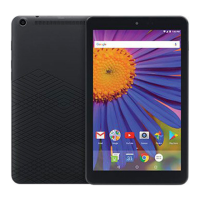
l Set up payment info–IfyouaresettingupanewGoogleaccount,selectbillingoptionsfor
purchasesmadethroughGooglePlay.SelectRemind me latertoskipthisstep.
l Get your apps & data–IfyouareusingaGoogleAccountyouhadsetuponaprevious
Androiddevice,youcanchoosetousethatdevice'sbackupinformationtorestorebacked-
upapps,data,systemsettings,Wi-Fipasswords,etc.,fromthepreviousdevicetoyournew
tablet.TapSet up as a new devicetoskipthisstep.


 To Next Page