17
FLEXSPYPOINT
STATUS LIGHT EXPLAINED
Verification
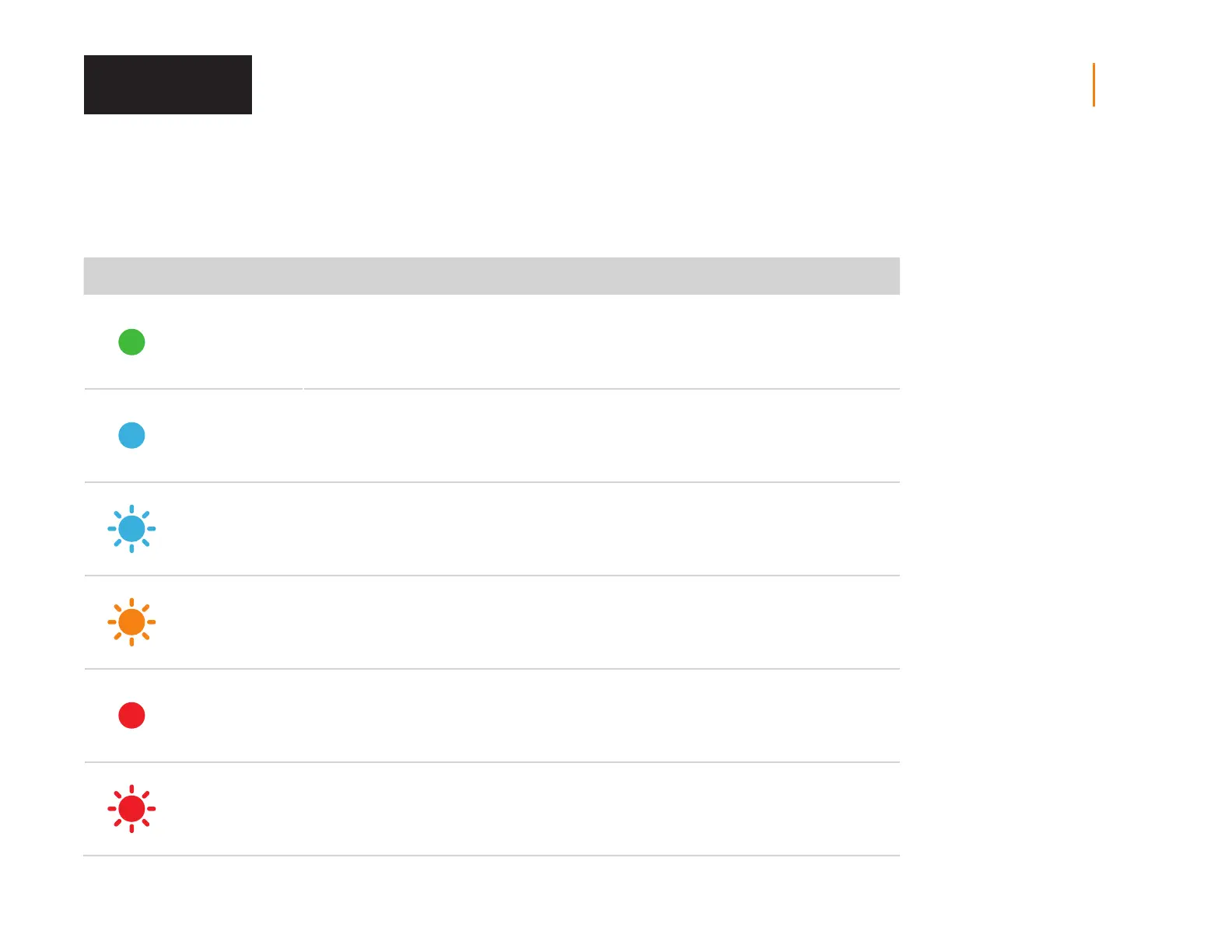
STATUS LED COLOR PATTERN INDICATION
Green Solid
When device gets triggered or
is taking a photo or video
Blue Solid When photo or video is getting transmitted
Blue
Blinking each second
till the reset is complete
Factory reset
Orange
Blinking each second
for 30 secondes
Firmware update
Red
Solid
(does not go OFF)
No signal detected
Red
Slow blinking
(every 2 seconds)
SIM issue/Critical hardware failure














 To Next Page