18
FLEXSPYPOINT
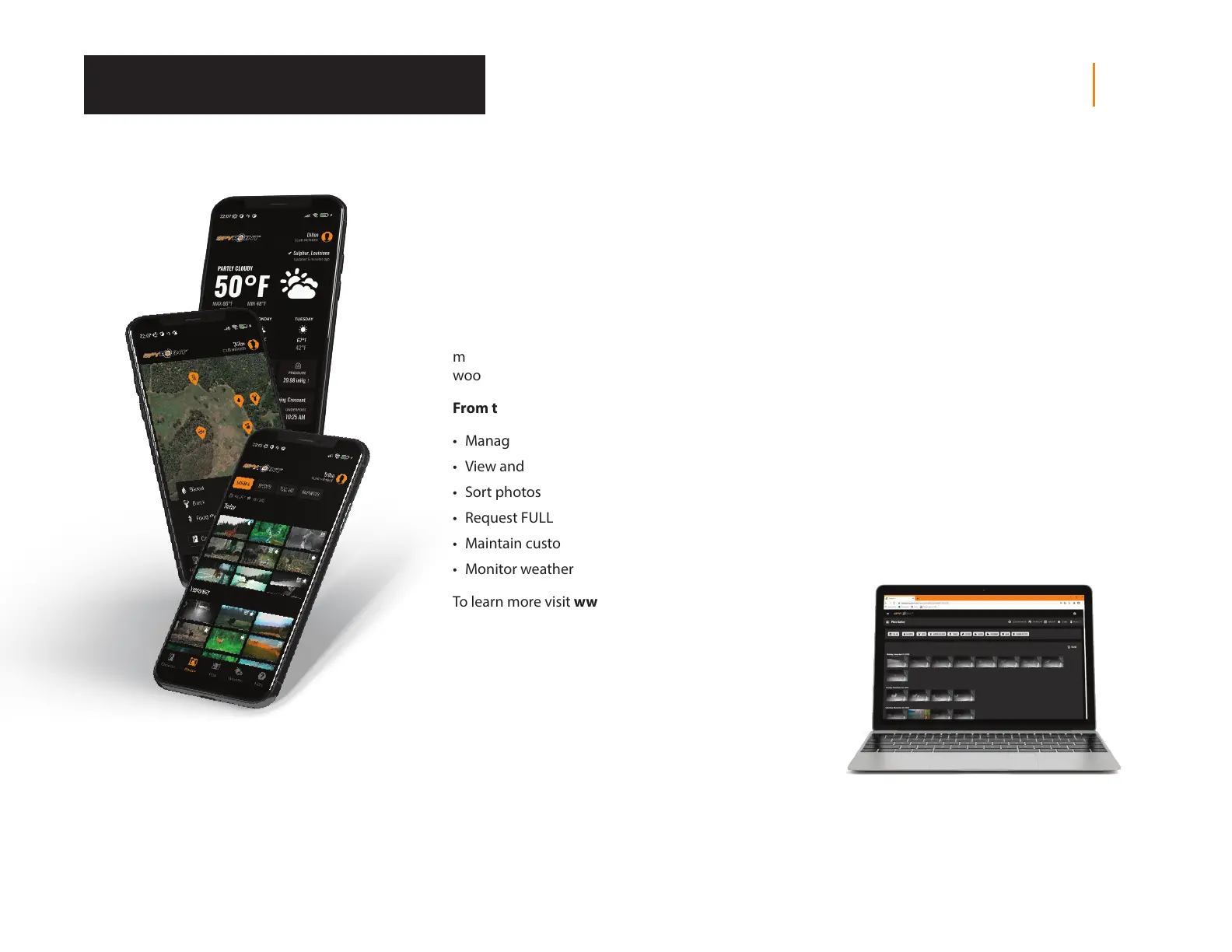
SPYPOINT MOBILE APP
The key to a successful hunt is information and
that’s what the SPYPOINT app is all about. View
and sort all your photos and videos from the eld,
check hunting conditions, update camera settings,
manage stand locations on your property, and
more, right from your mobile device. It’s the
mobile scouting solution you need to go into the
woods condently.
From the app, you can:
• Manage camera statuses, settings and plans
• View and manage photos and videos
• Sort photos with advanced AI species lters
• Request FULL-HD photos and videos
• Maintain custom maps and markers
• Monitor weather conditions
To learn more visit www.spypoint.com/app
Tool – Accessories – Options
PHOTO TRANSMISSION PLANS
SPYPOINT makes choosing a photo transmission
plan as easy as possible with straightforward photo
count thresholds and the option to go month-to-
month to maximize exibility, or annually to get the
most savings. SPYPOINT even oers a free plan,
sending 100 photos every month at no charge.
To learn more visit www.spypoint.com/plans
SPYPOINT WEB APP
As well as with the SPYPOINT mobile app, you can
manage your device and photos/videos using the
web app.
Log in at www.webapp.spypoint.com to manage
cameras and view photos and videos online.














 To Next Page