16
FLEXSPYPOINT
VERIFYING CAMERA STATUS
Dierent tools are available to help you check the status of your
FLEX and to inform you of any problems that may occur
during its operation. In this section, we will see 3 tools:
NOTIFICATIONS
The camera was designed to send notications to your SPYPOINT app.
This is to help you stay informed of the status of your camera.
You will receive a notication on your smartphone at the next transfer
when a photo/video is received or important notication is sent:
• You forget to insert a microSD card in your camera.
• The inserted microSD card is not compatible with your camera.
• The battery percentage is too low.
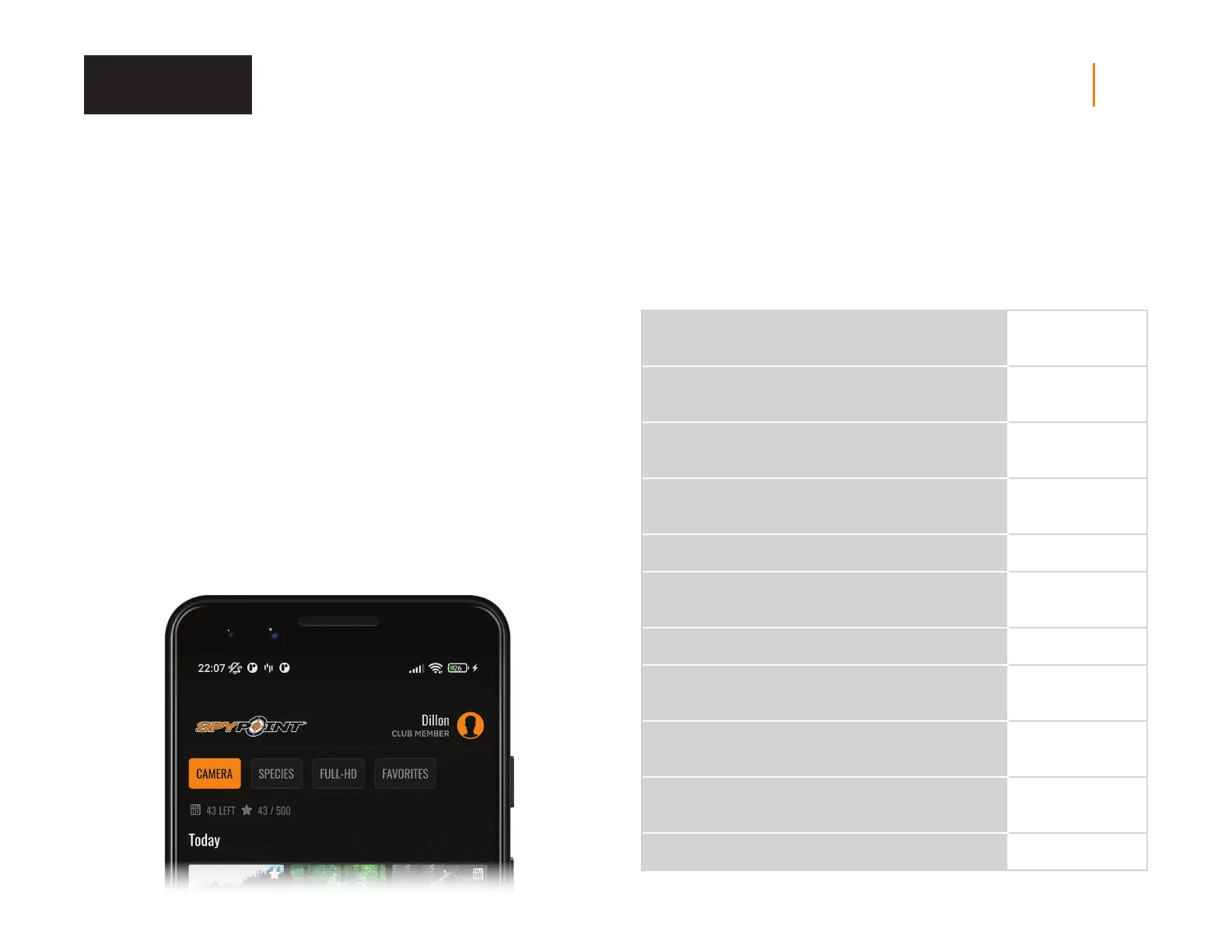
APPLICATION STATUS PAGE
Here are the dierent indicators of the FLEX status you have access to. They are
accessible on your app or on the SPYPOINT website. What appears in this page
is a reection of the camera at the last communication.
SIGNAL
Strength of the cellular signal
1 - 5 bars
BATTERY
Battery percentage remaining
0 - 100%
(AA/LIT-22/12 V)
MEMORY CARD
Used space
0 - 100%
LAST COMMUNICATION
The date and time of the last device transfer
Date and time
TEMPERATURE
°C or °F
POSITION
GPS
GPS coordinates
MODEL
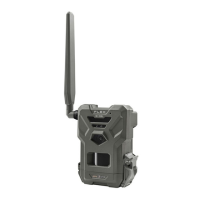
FLEX
VERSION
Displays the rmware version
VX.XX.XX
LAST INSTALLATION
Last time your camera was turned ON
Date and time
SIM
Number on your SIM card
89……
ACTIVATION CODE
XXXX-XXX-XXXX
Verification














 To Next Page