7
LINK-MICRO-LTESPYPOINT
CHOOSING A POWER SOURCE
3 options are available to you:
• Alkaline or lithium AA batteries
• Rechargeable battery 12 V (#KIT-12V sold separately)
• Rechargeable battery pack 3,7 V (#LIT-10 sold separately)
NOTE
We recommend using the SPYPOINT #LIT-10 rechargeable lithium battery
pack, sold separately. It provides a long charge time, more than double
that of AA batteries.
FOR BEST RESULTS AND NO LEAKAGE
• Use only new alkaline or lithium batteries.
• Do not mix new and old batteries.
• Do not use rechargeable AA batteries
(their lower voltage can generate operational issues).
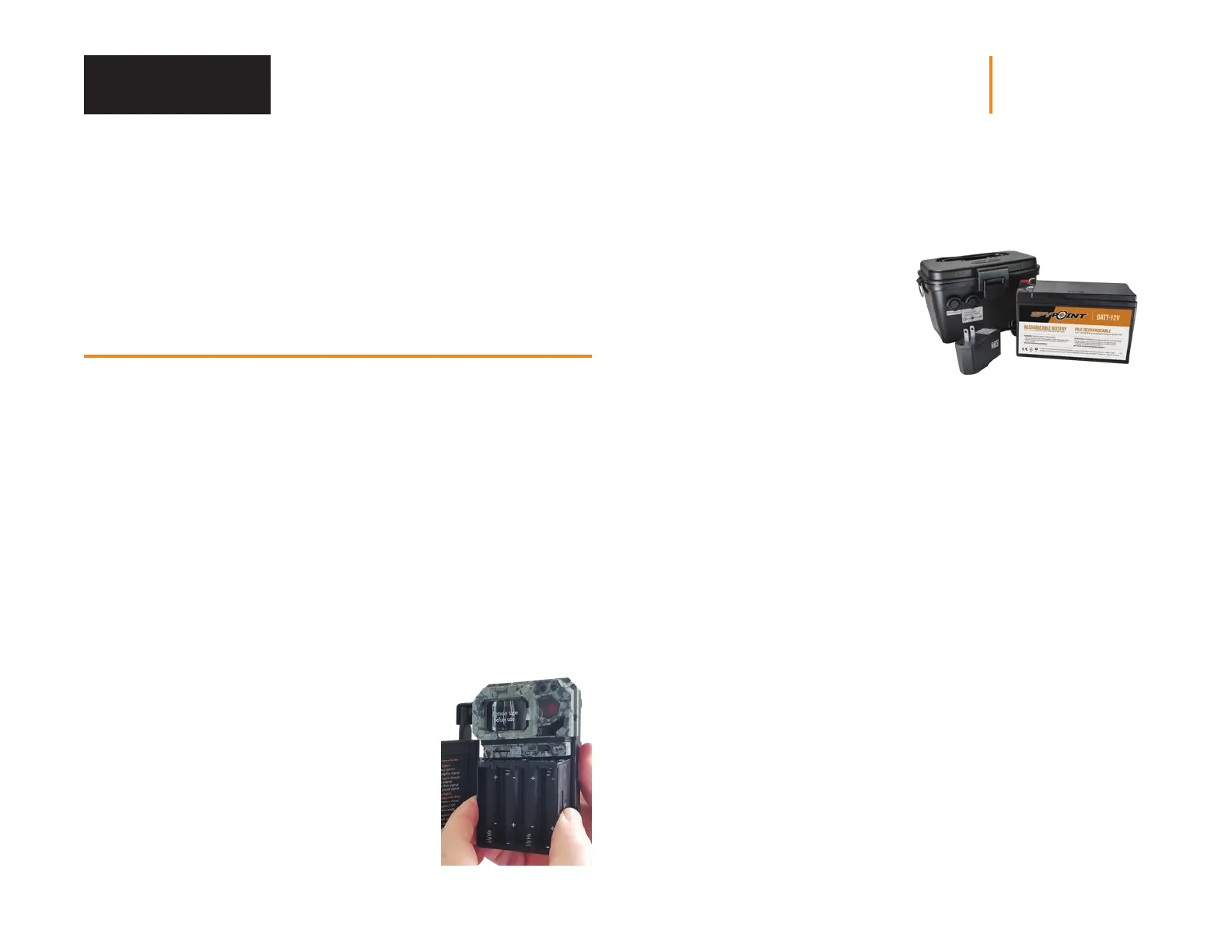
HOW TO INSTALL AA BATTERIES PROPERLY
• Unlock the latch and open the LINK-MICRO-LTE door.
• Remove the battery compartment by grasping
it by the 2 small notches on the side and pulling
it out (see photo).
• Insert the AA batteries into the battery holder
following polarity (+) and (-) indications.
• Place the battery holder back into the battery
compartment.
AN EXTERNAL 12 V BATTERY
• The camera was designed to
recognize and use an optional
power source other than the
8 AA batteries.
• You can purchase a 12 V cable
and battery kit (like the #KIT12V,
sold separately). Simply plug the
12 V cable into the 12 V jack of
the camera and connect the
other cable end to the 12 V battery.
MANAGING VARIOUS CAMERA POWER SUPPLY
If you choose to plug an external 12 V battery (#KIT-12V, sold separately)
into your camera, it becomes your camera’s new primary power source.
The AA batteries will only be used once the 12 V battery is depleted.
You can check the battery level of your device:
• In the application: on the home page, you will see the battery charge level
for each of your devices. You can access more details on the status of your
battery by going to the STATUS page. When the battery logo turns red, we
suggest that you change the batteries before it is completely drained.
• On the device: as soon as the device is switched on, when the STATUS light
ashes orange, it indicates that the battery level is low.
Power Supply















 To Next Page