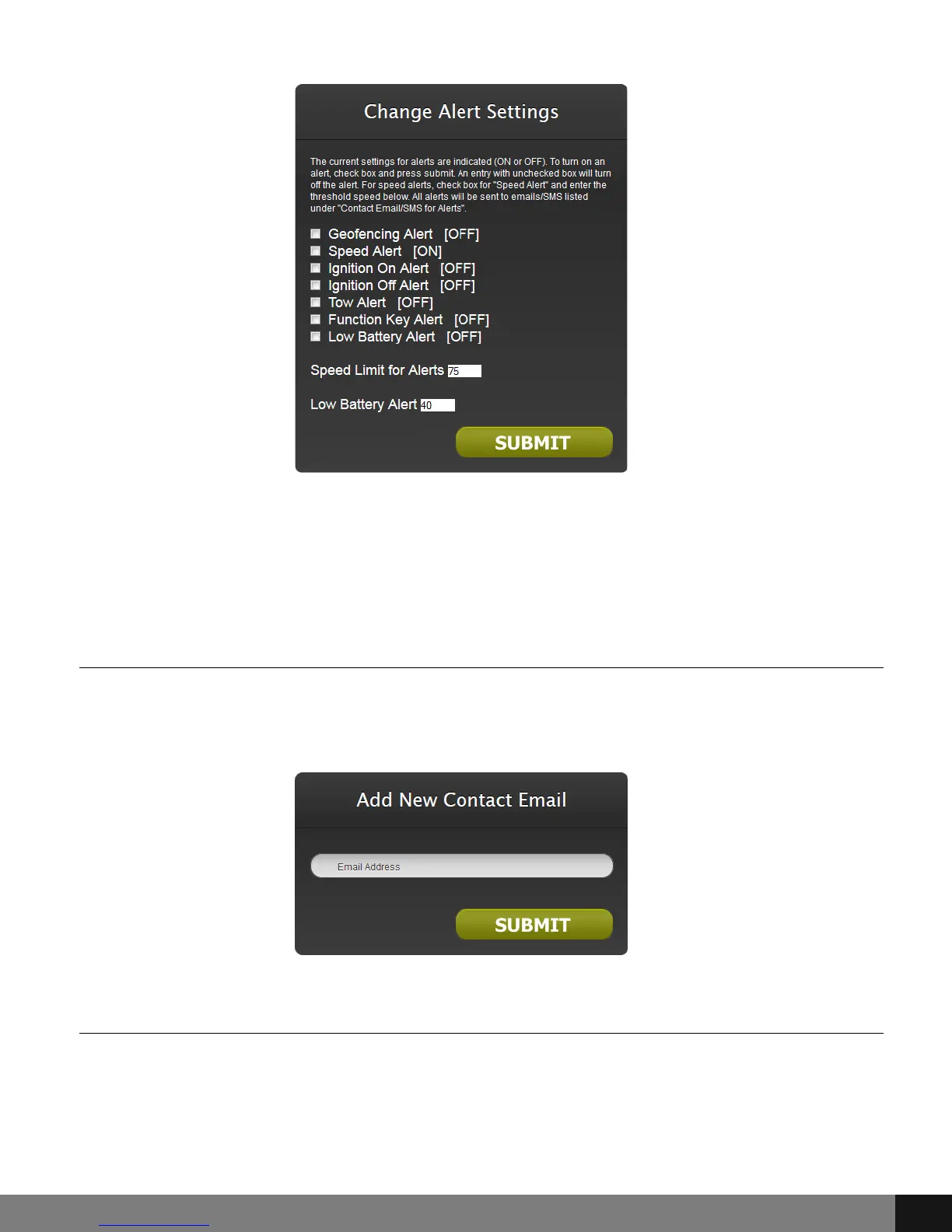
Add Email for Alerts
After clicking the Add Email for Alerts option, a pop up with an Email Address
field will show. Type the email address that alerts will be sent to and click the
SUBMIT button.
Add SMS for Alerts
Choose the Add SMS for Alerts option from the menu and enter a phone
number in the field provided on the Add New SMS Number and Select Carrier
pop up. Choose the radio button that corresponds with the service provider
(ATT, T-Mobile, Verizon or Sprint) and then click the SUBMIT button.
Now that updates have been made, the settings will have appropriate [ON] or
[OFF] shown beside each option.
Spy Tec www.spytecinc.comSpy Tec www.spytecinc.com 13


 To Next Page