Change Password
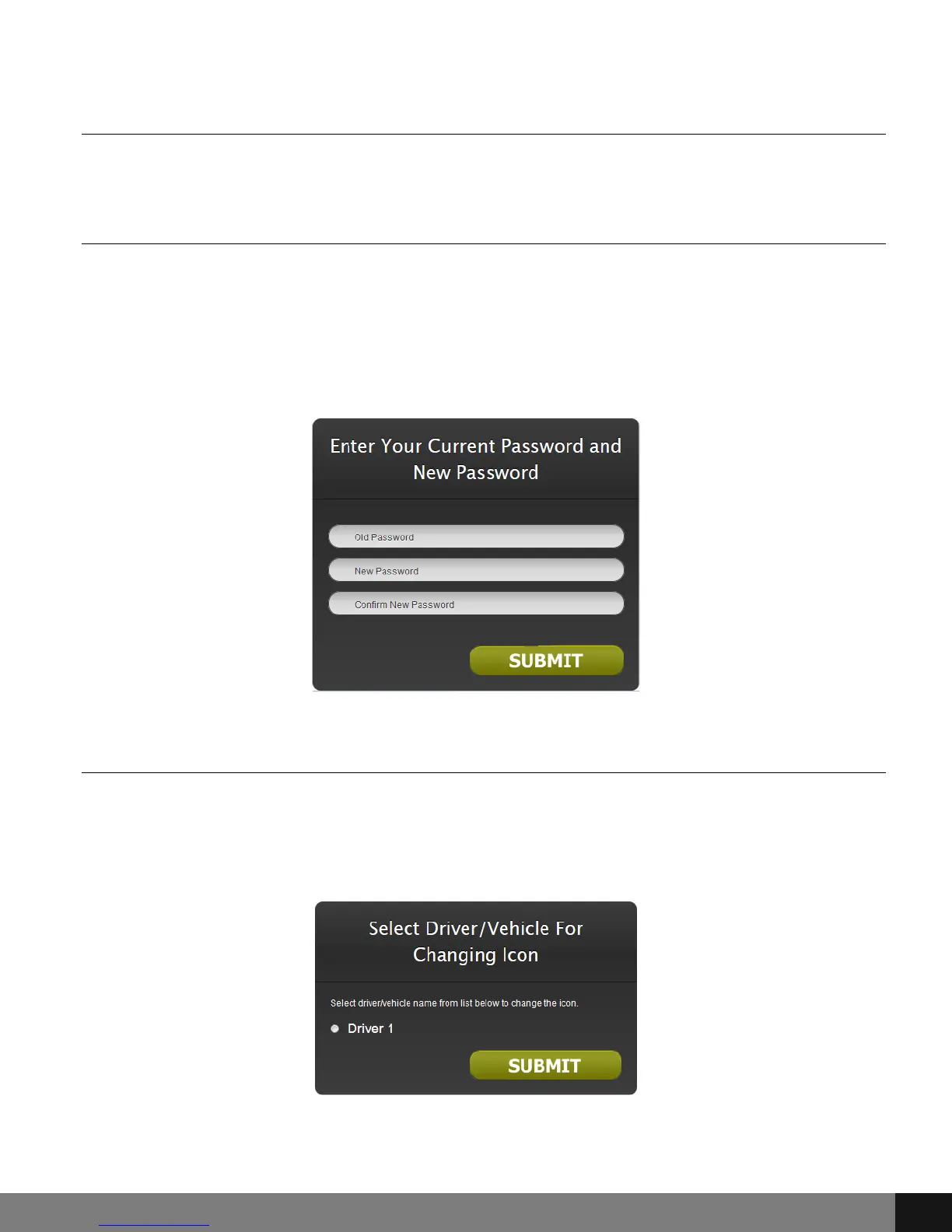
By choosing the Change Password option, a pop up window appears as seen
below. Enter the old password in the Old Password field and then a new
password in the New Password field. Confirm by re-entering the new
password in the Confirm New Password field. Click the SUBMIT button. Use
the new password for the next login.
Change Driver Icon
Click on the Change Driver Icon menu option to change the appearance of the
vehicle that appears on the GPS interface. A pop up will appear that allows the
user to choose a Driver as assigned to the device.
Set Home Address
This feature has been disabled.
Spy Tec www.spytecinc.comSpy Tec www.spytecinc.com 10


 To Next Page